AI jewelry design
that passes the casting check
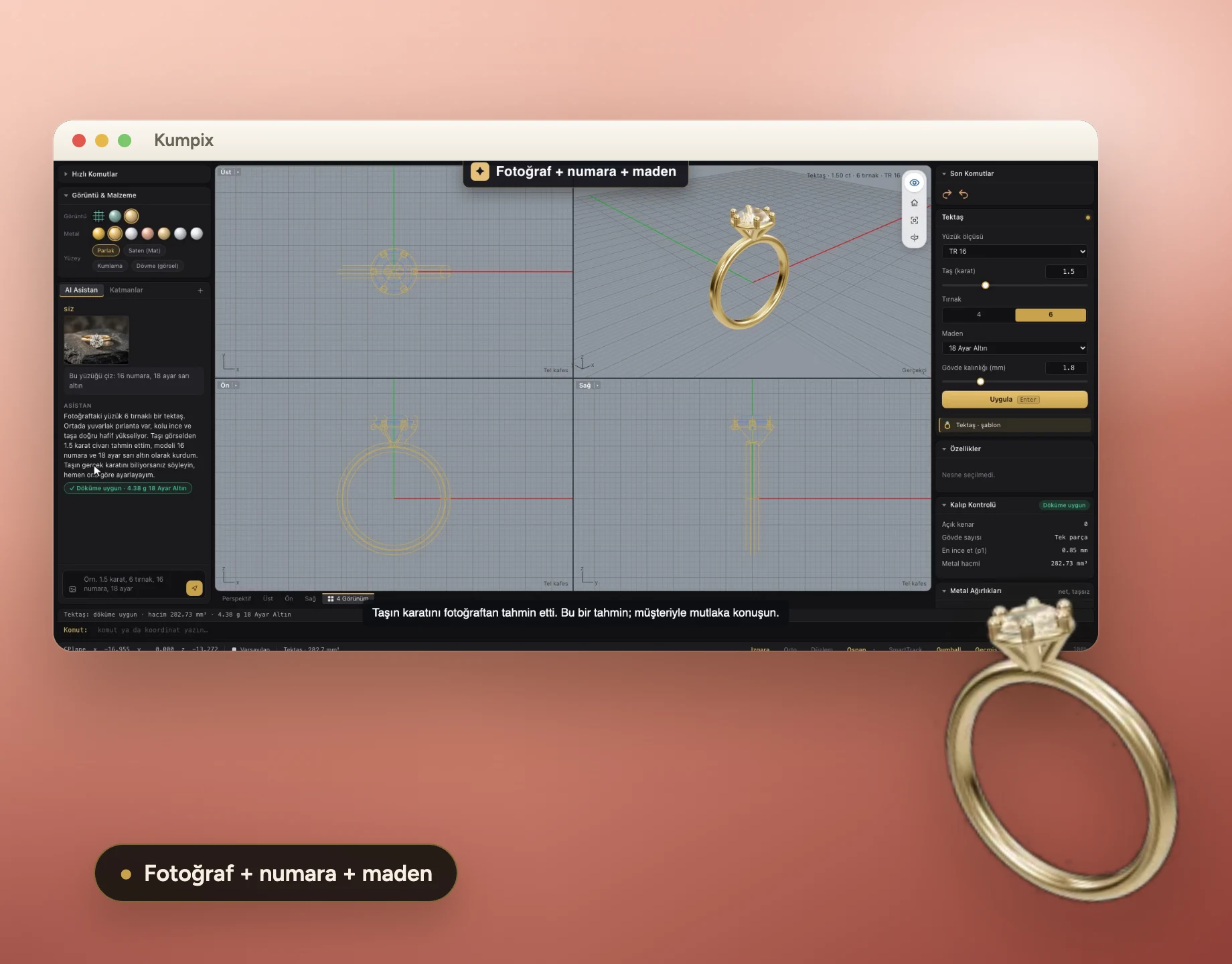
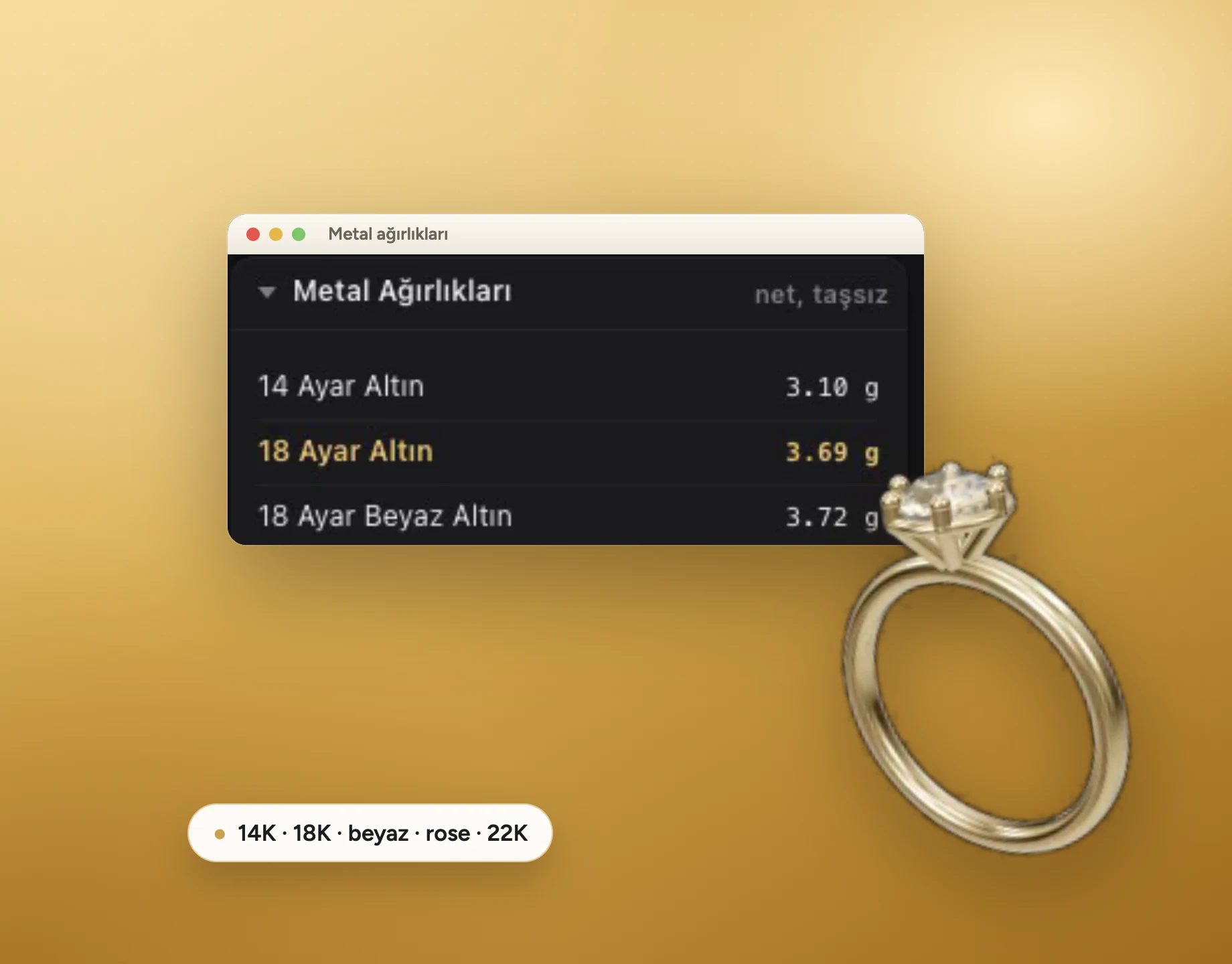
Casting check, gram weight and stone report on the same screen.
- Every feature free for 14 days
- STL, STEP, 3DM and 3MF export
Works with the programs and files your workshop already uses






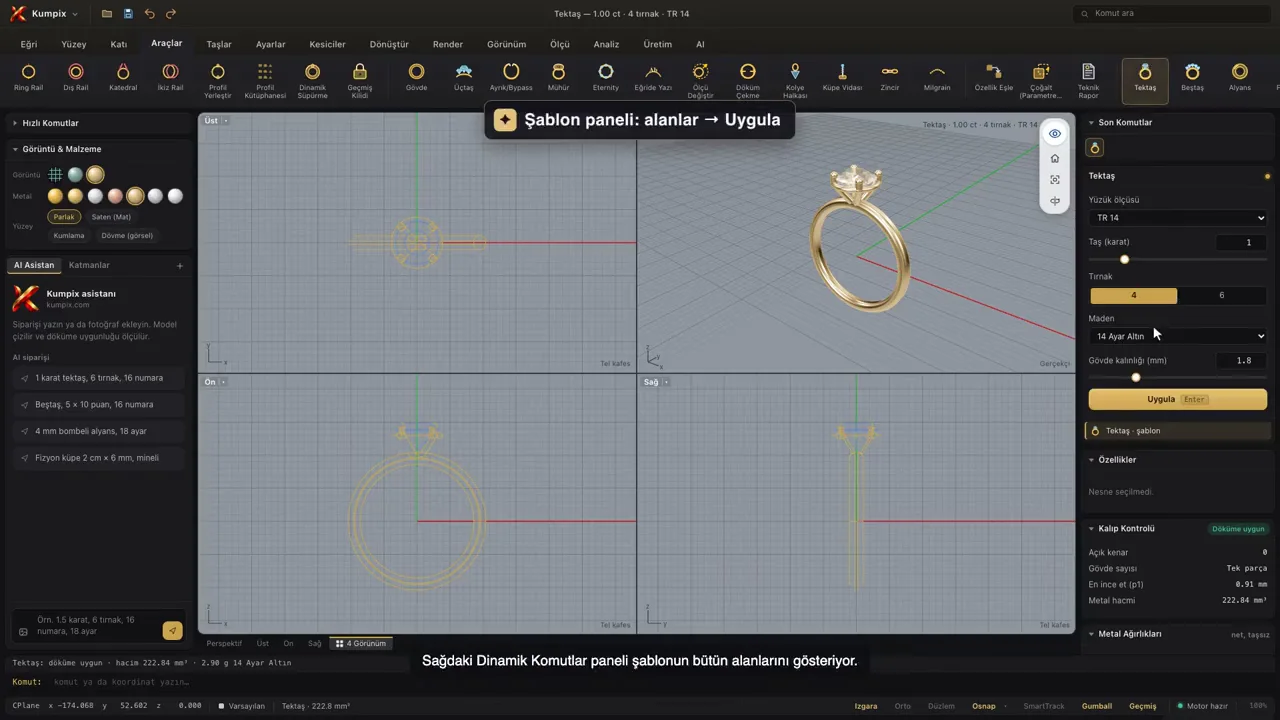
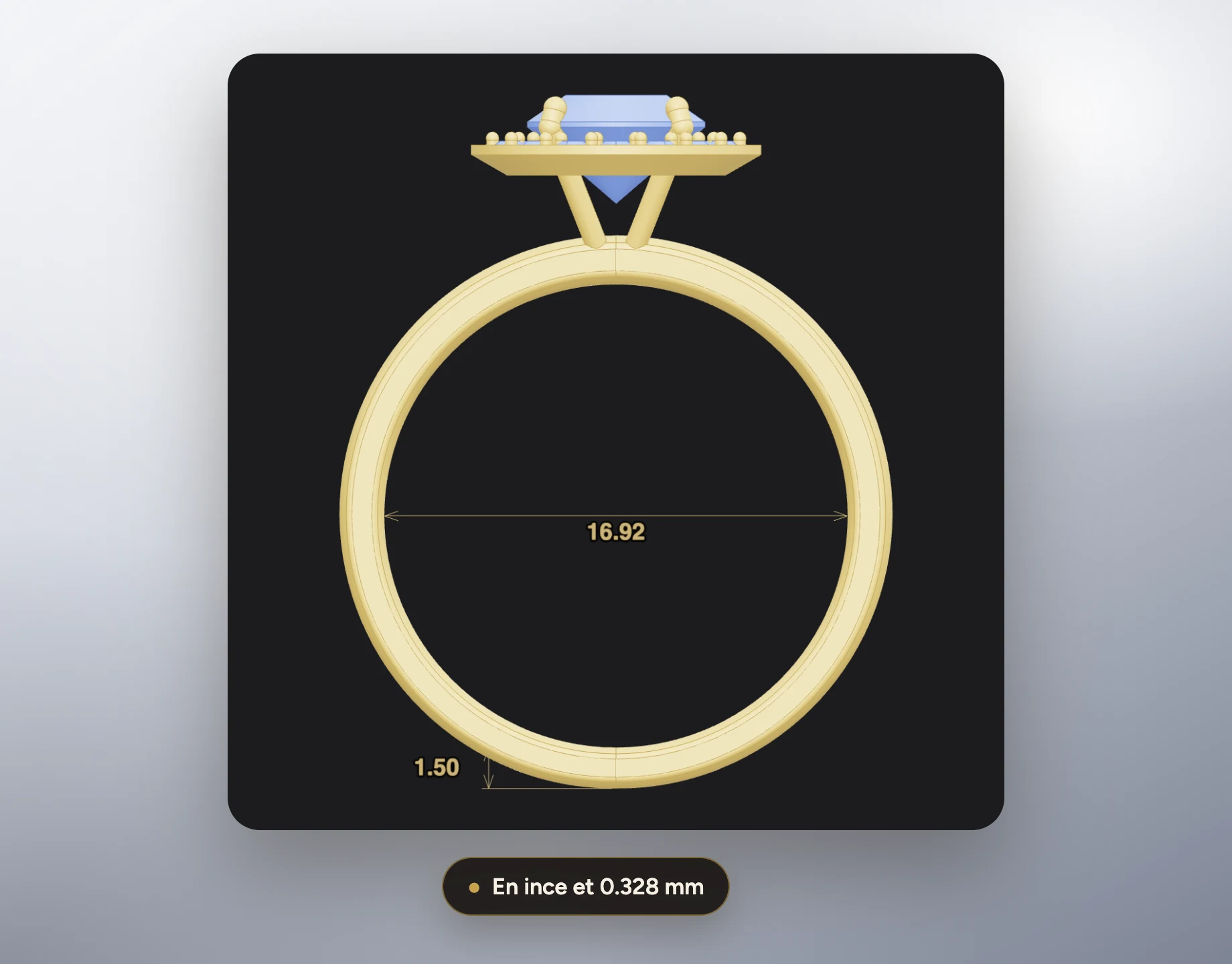
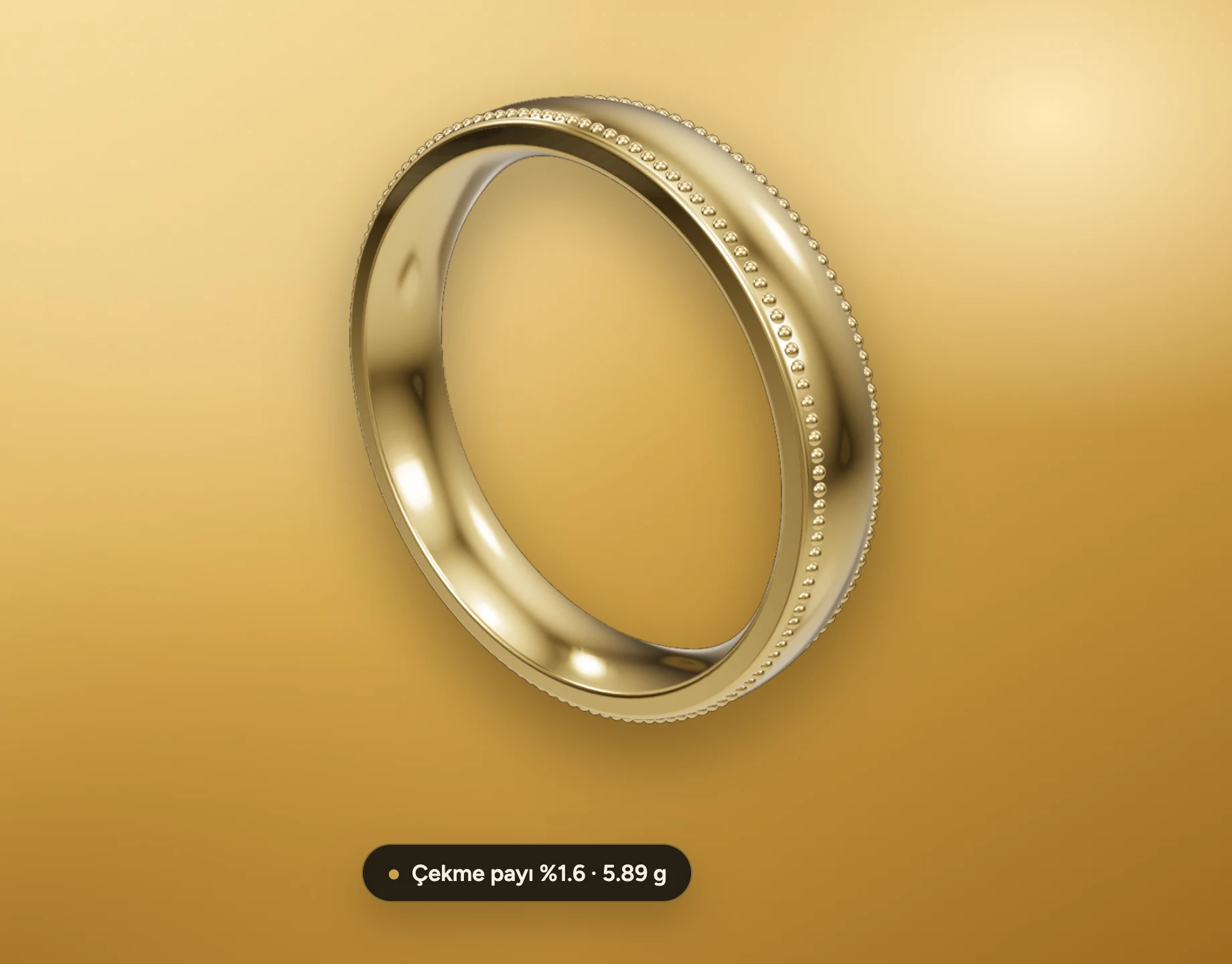
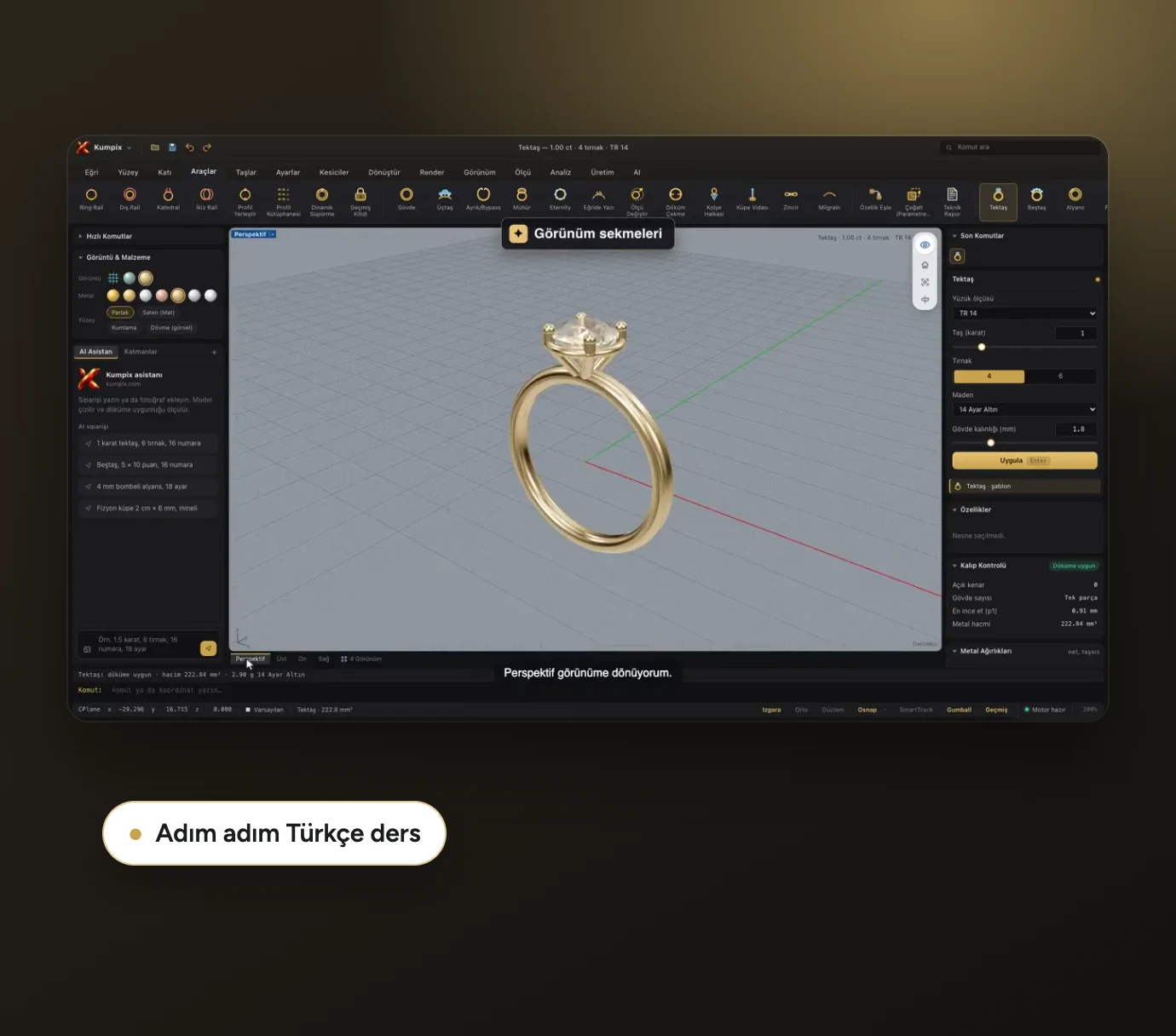
Kumpix is more than a drawing program: it is a jewelry design workshop that measures everything from the order to the casting. The model comes with its casting check, thinnest wall, gram weight and stone report; customer approval and production files are prepared in the same place.


measurements worked out by hand, gram weights guessed, customer approvals lost in messages and trees rebuilt for every casting.
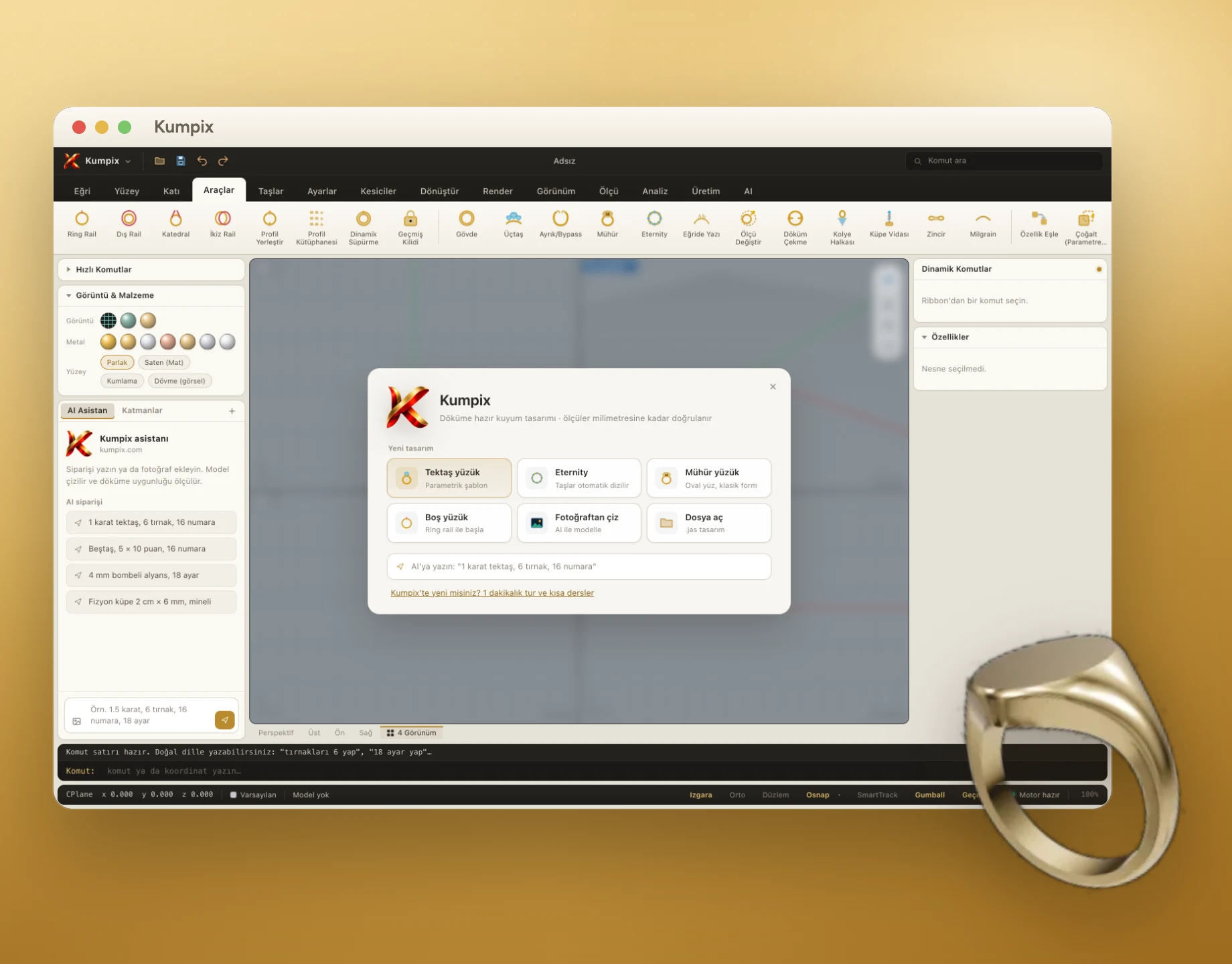
Hello, what shall we design today?


From order to delivery
in one flow
Turn the order
into a model
Discover the AI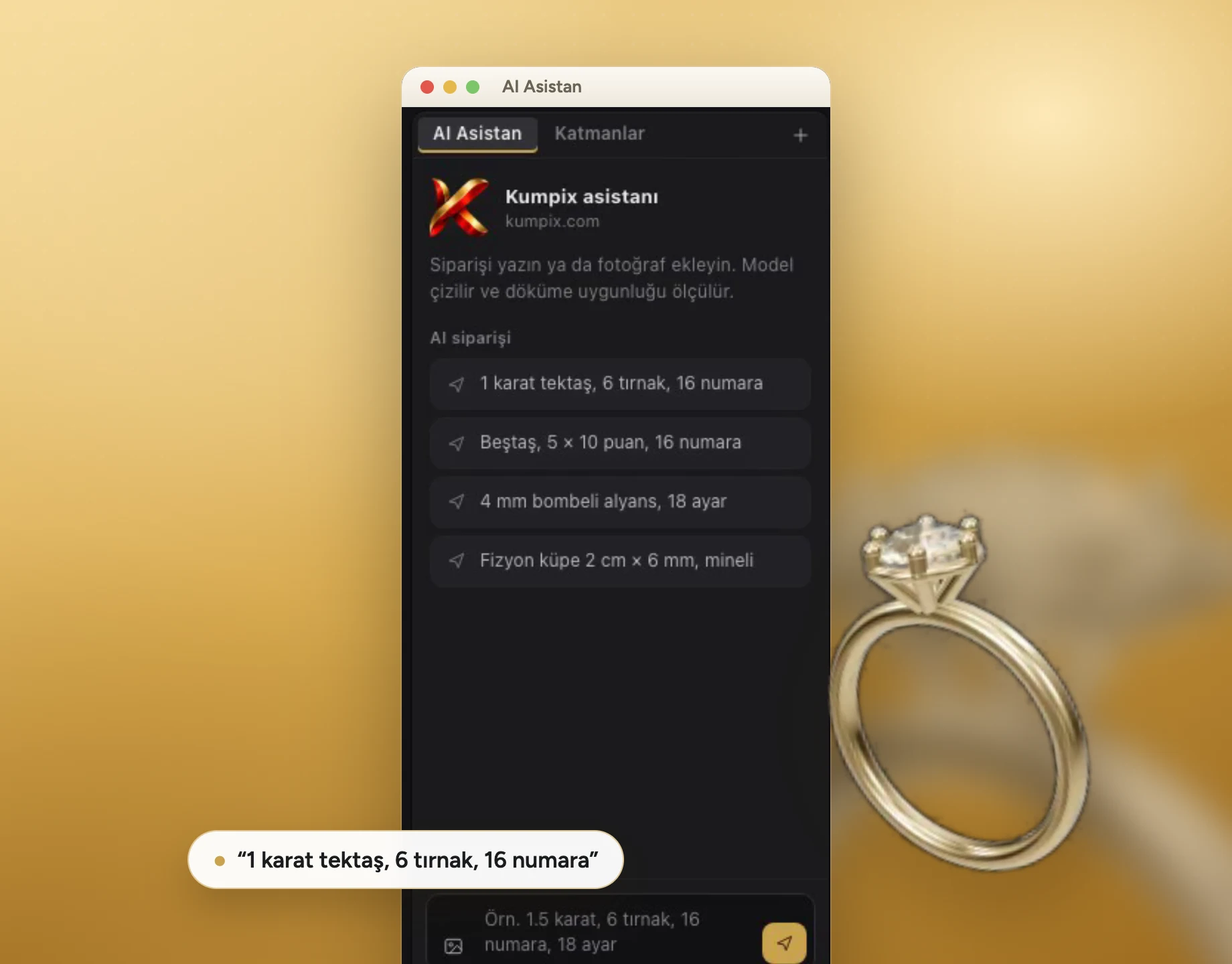
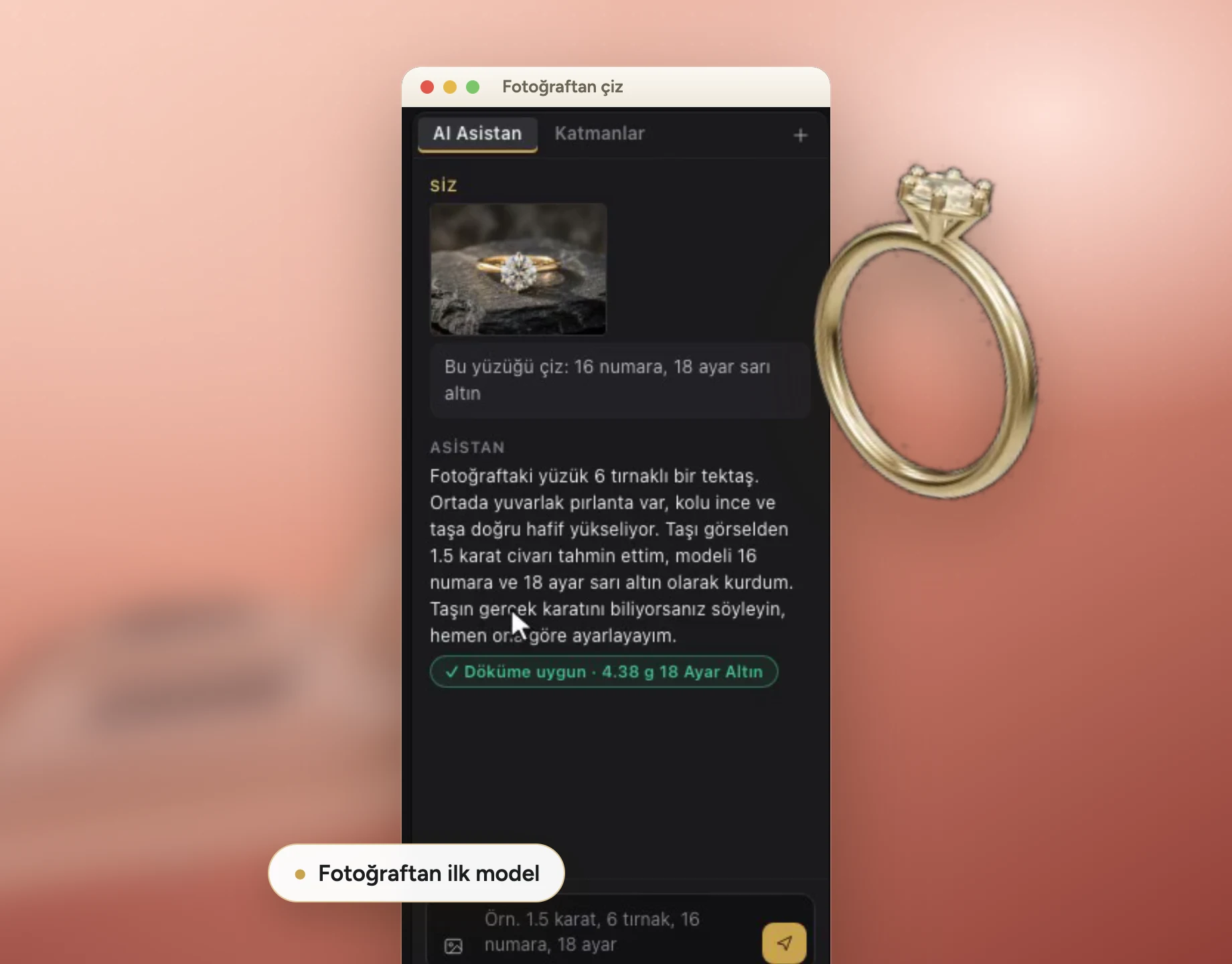
Describe it,
get the model
Watch the lesson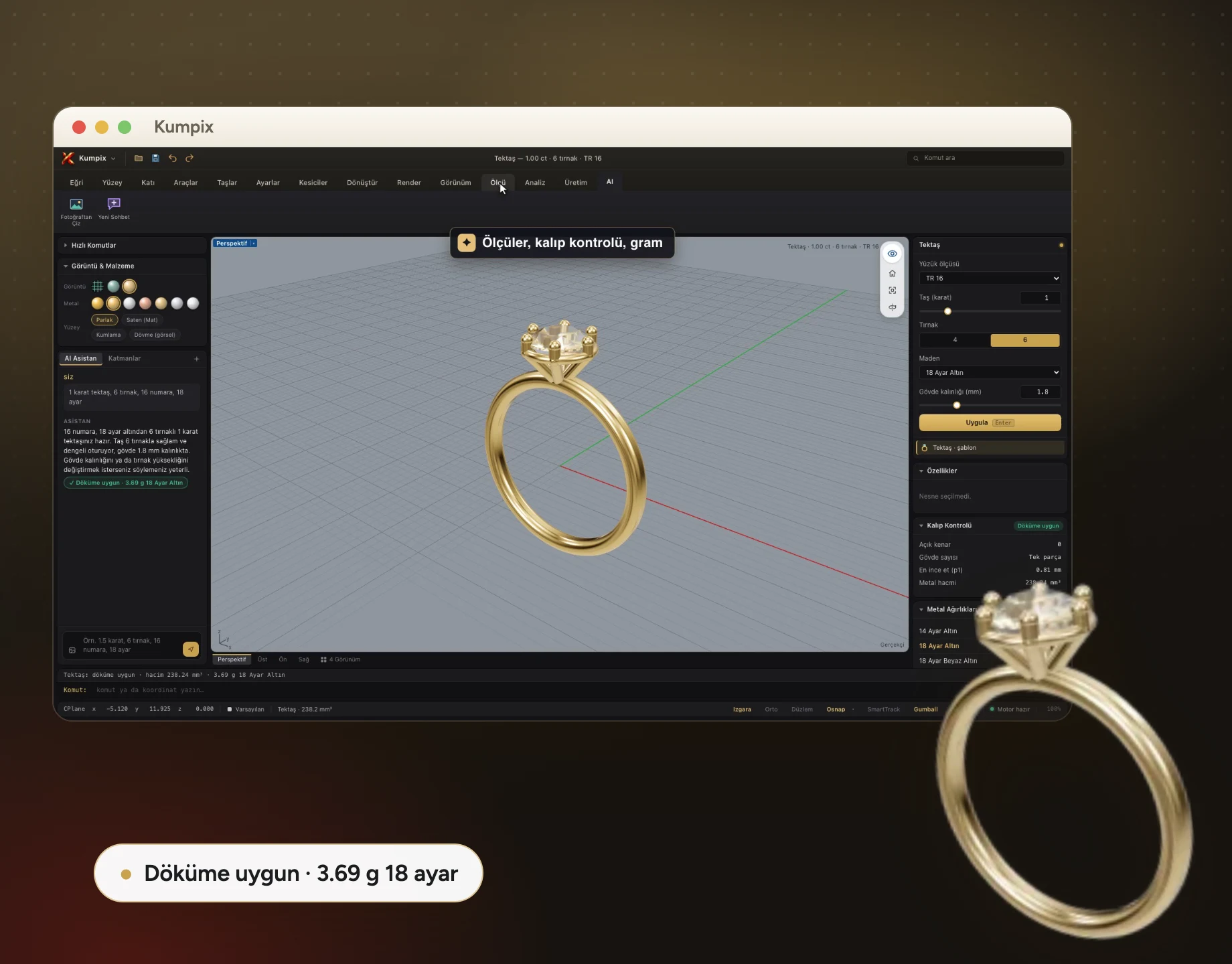
Start fast with
353 templates
See the templates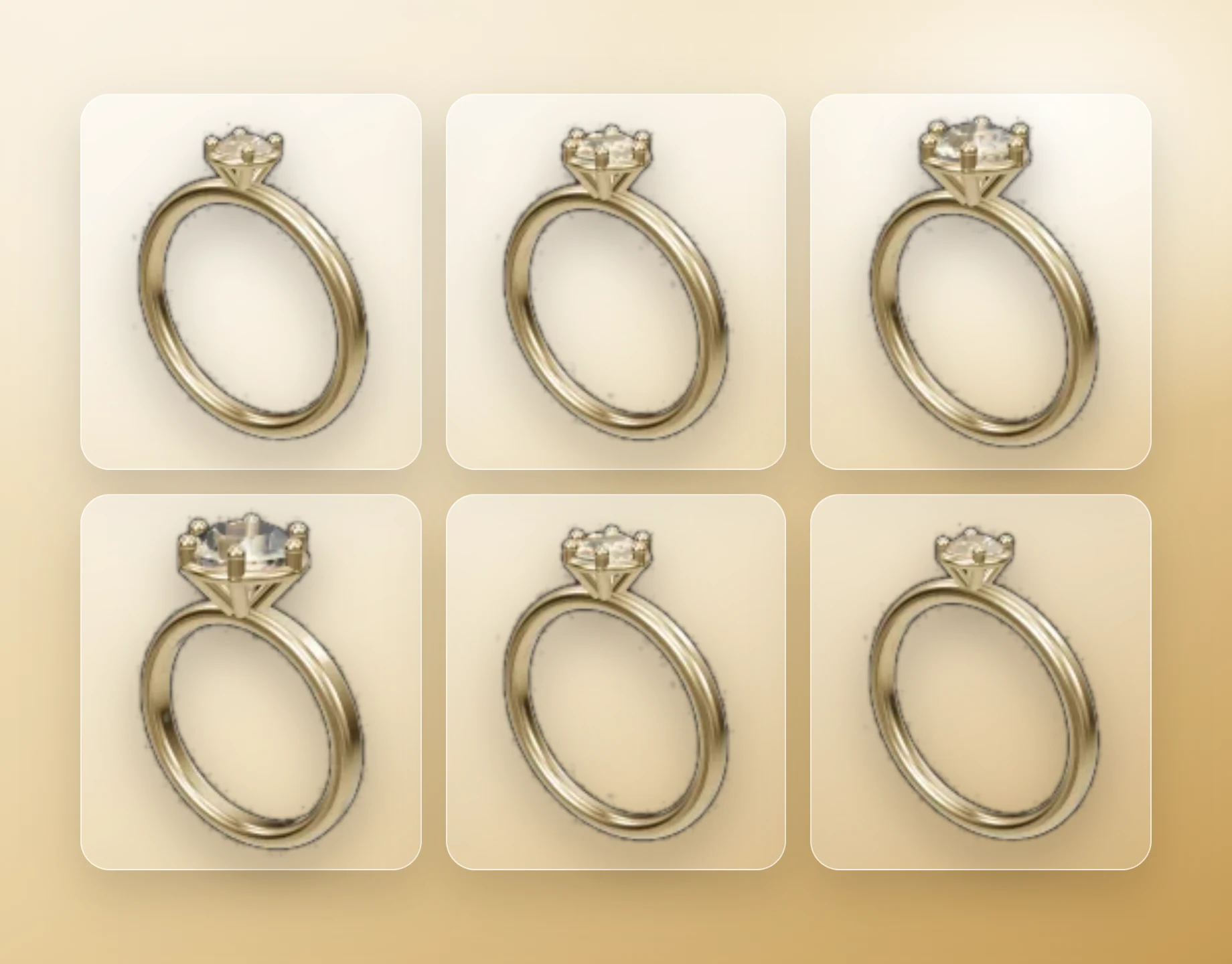
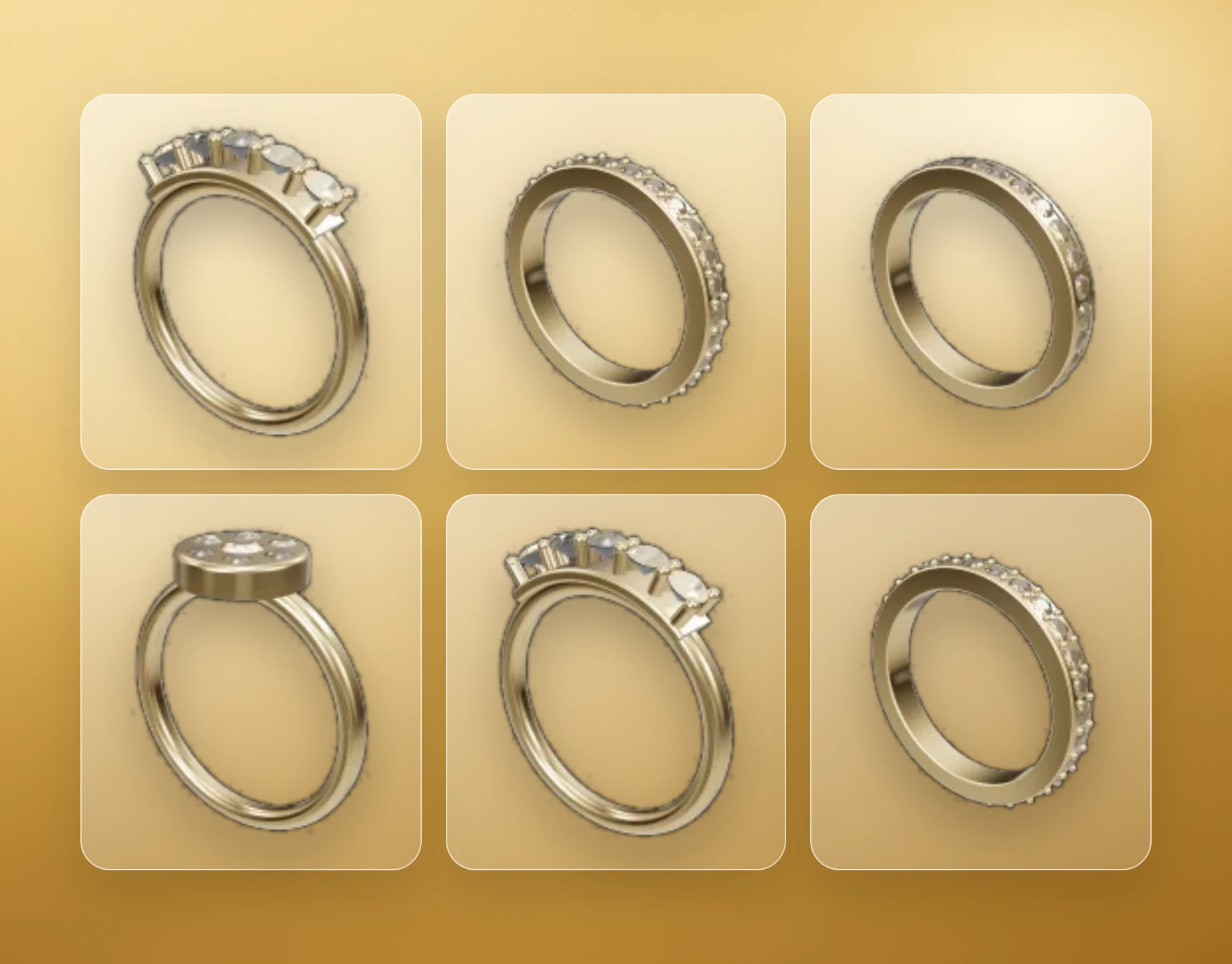
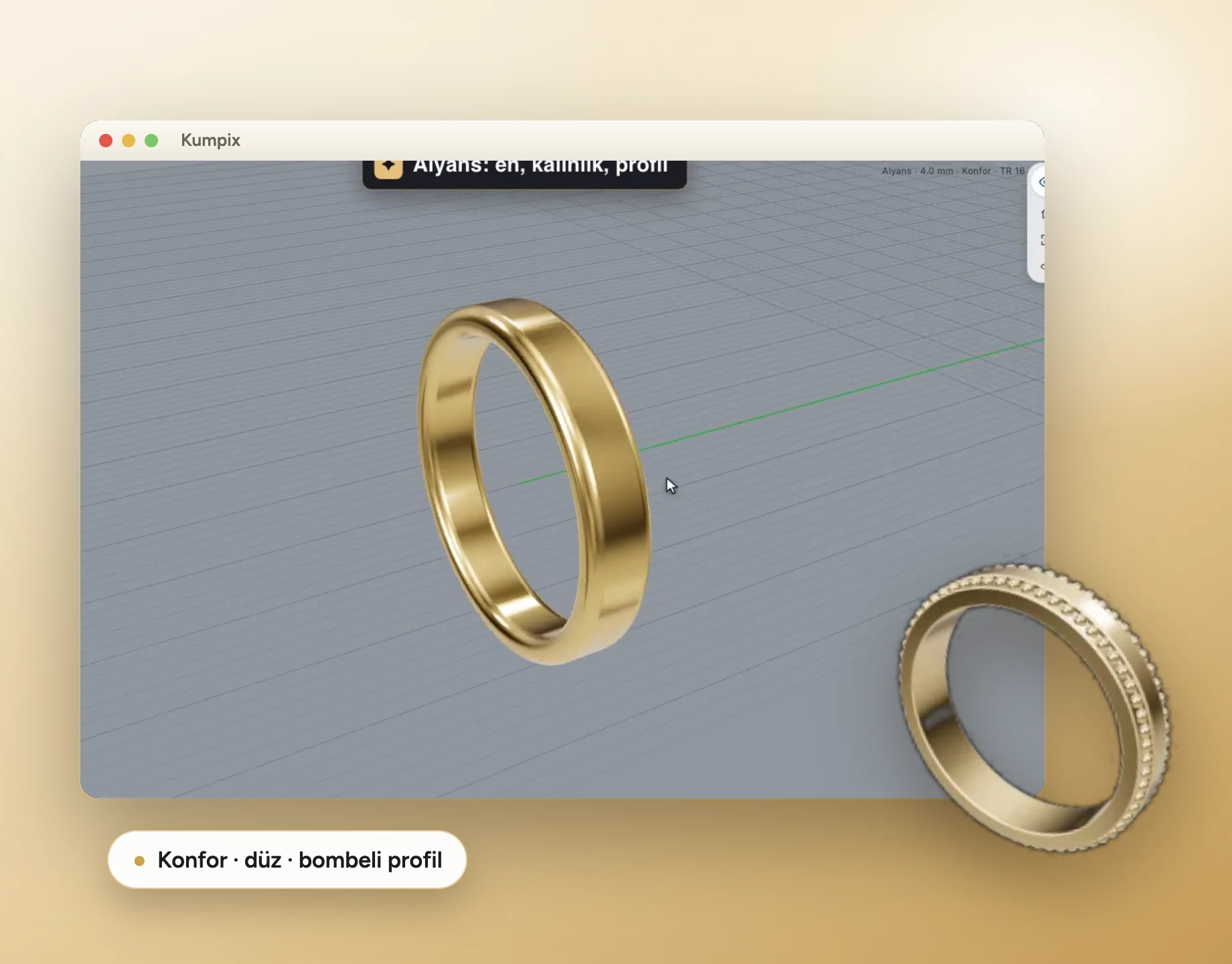
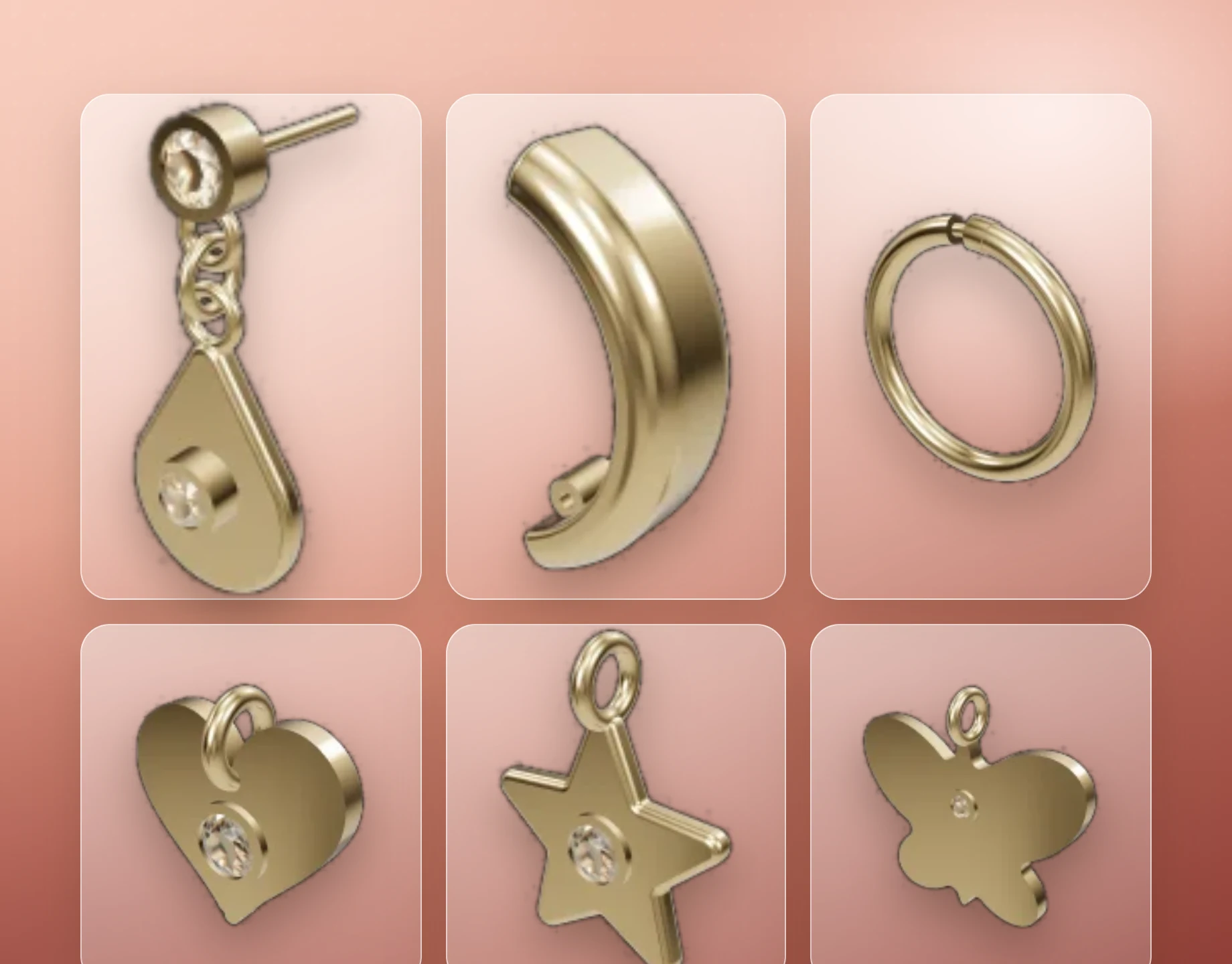
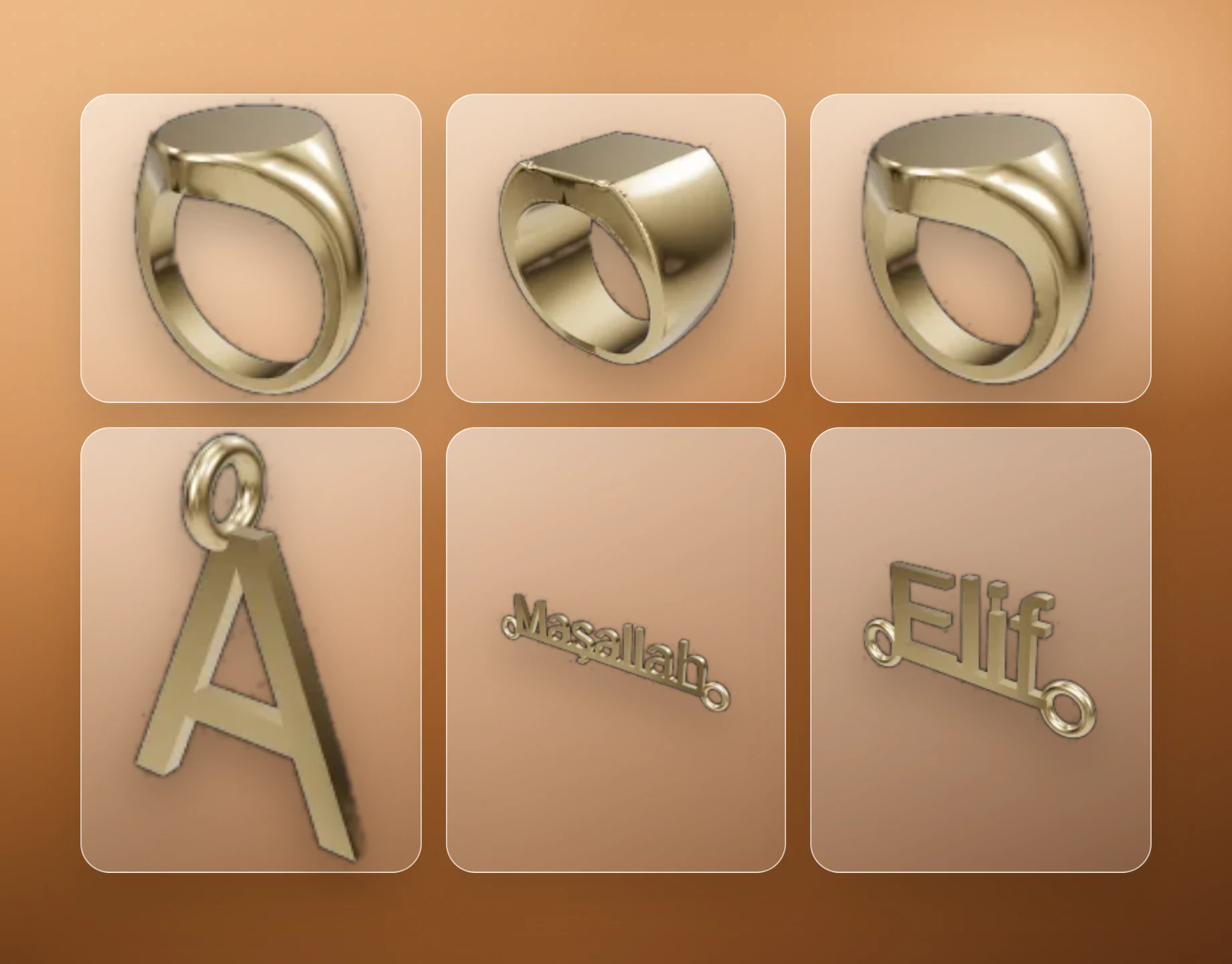
Measure before
you cast
Showcase collection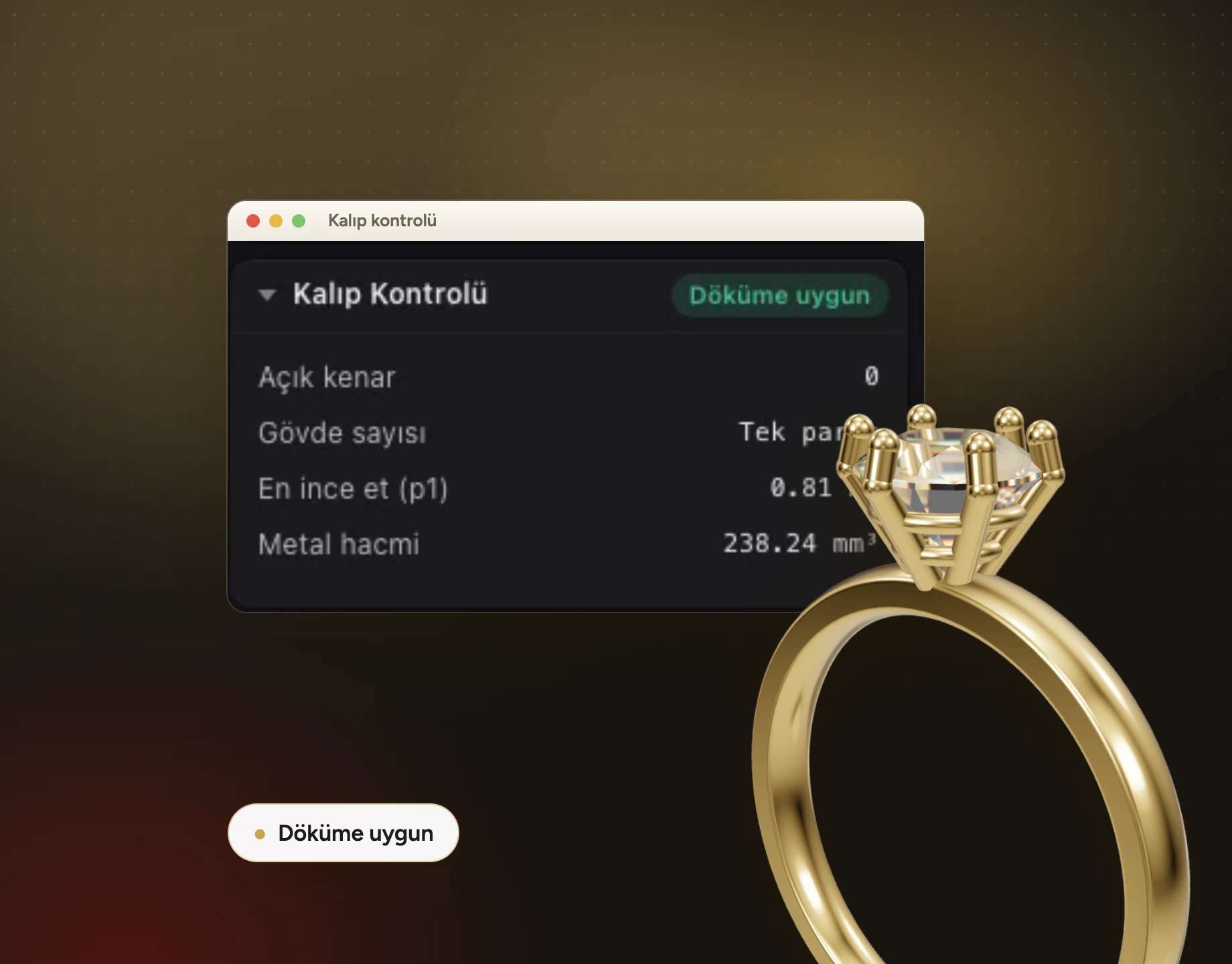
See the model
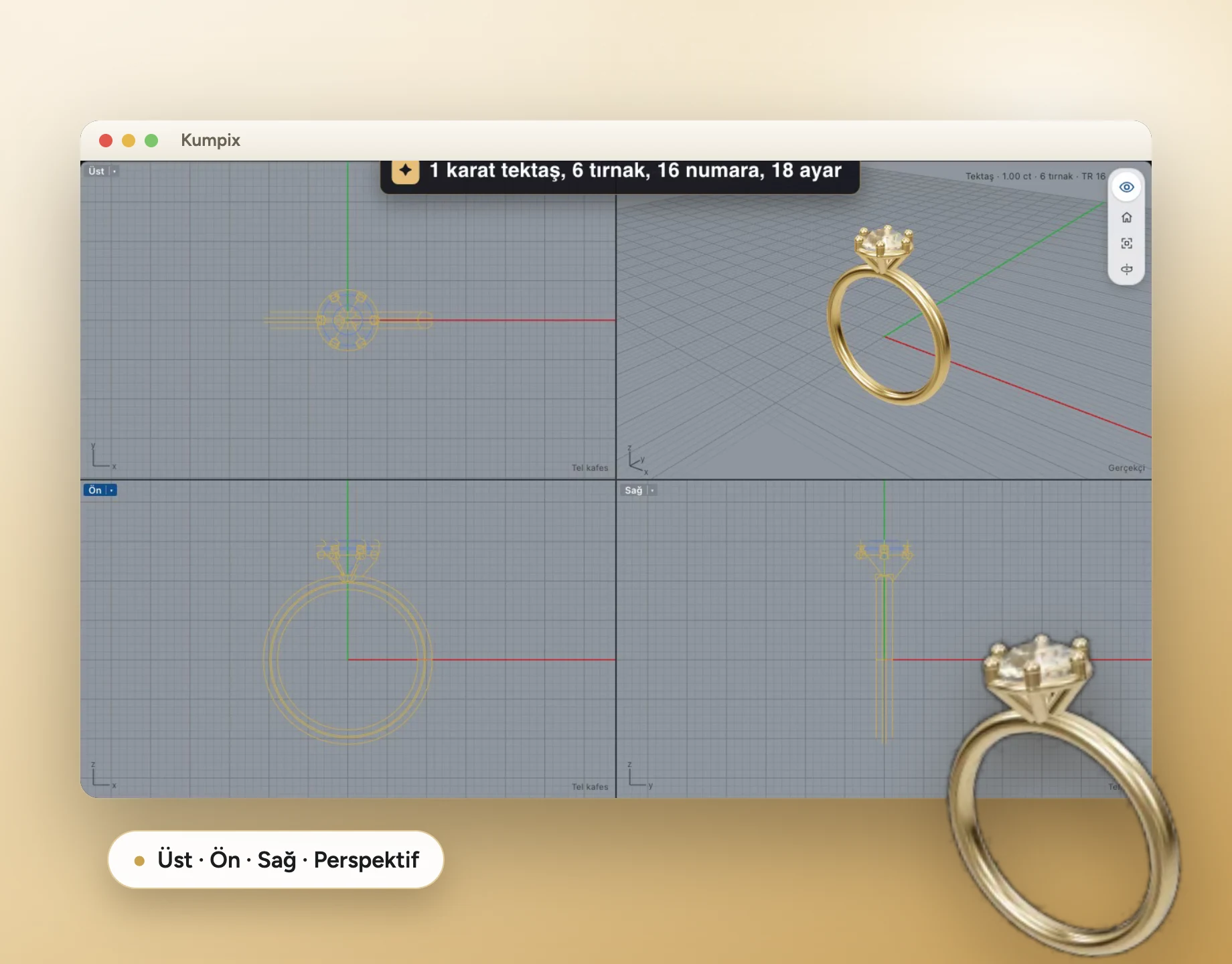
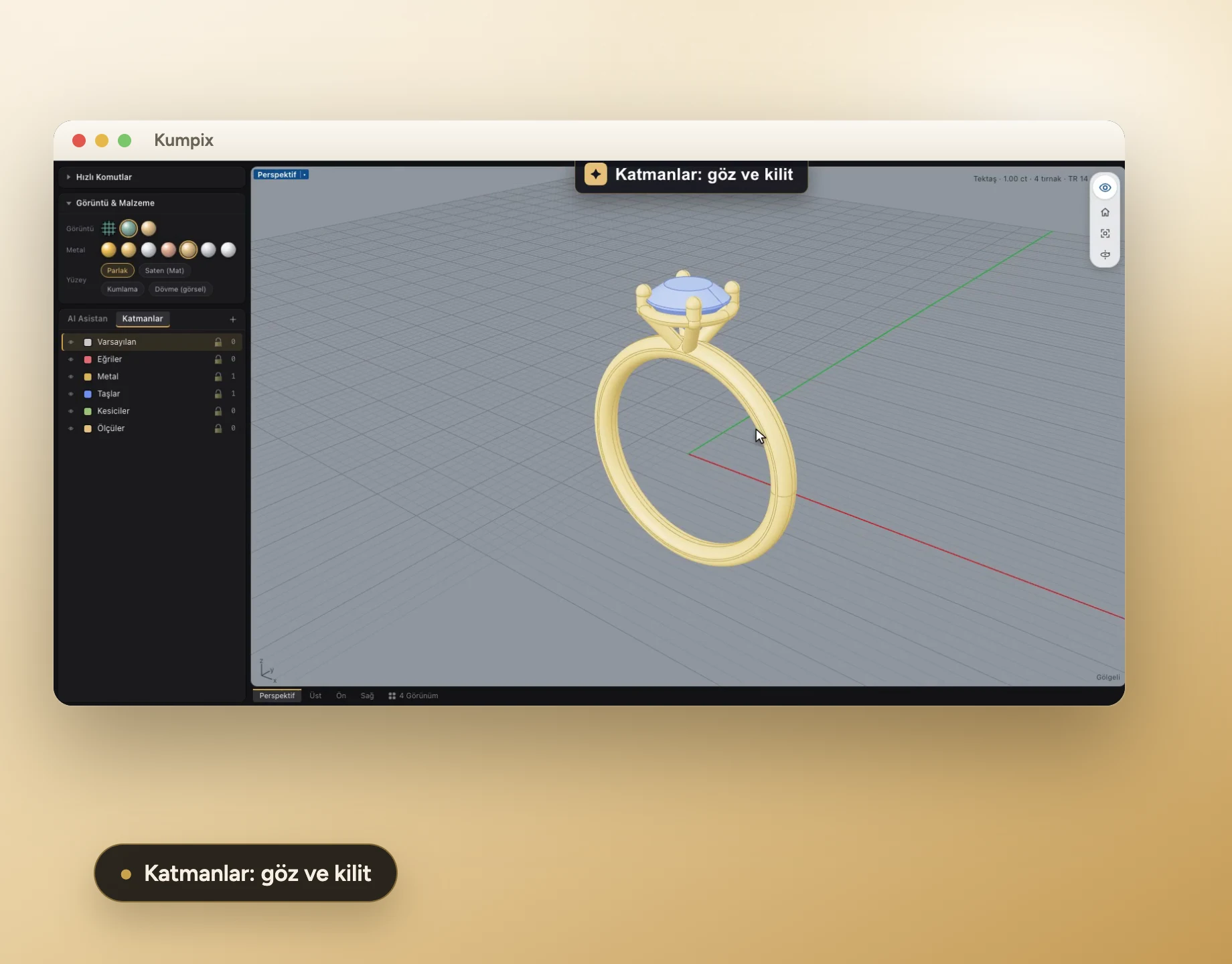
from every angle
User guide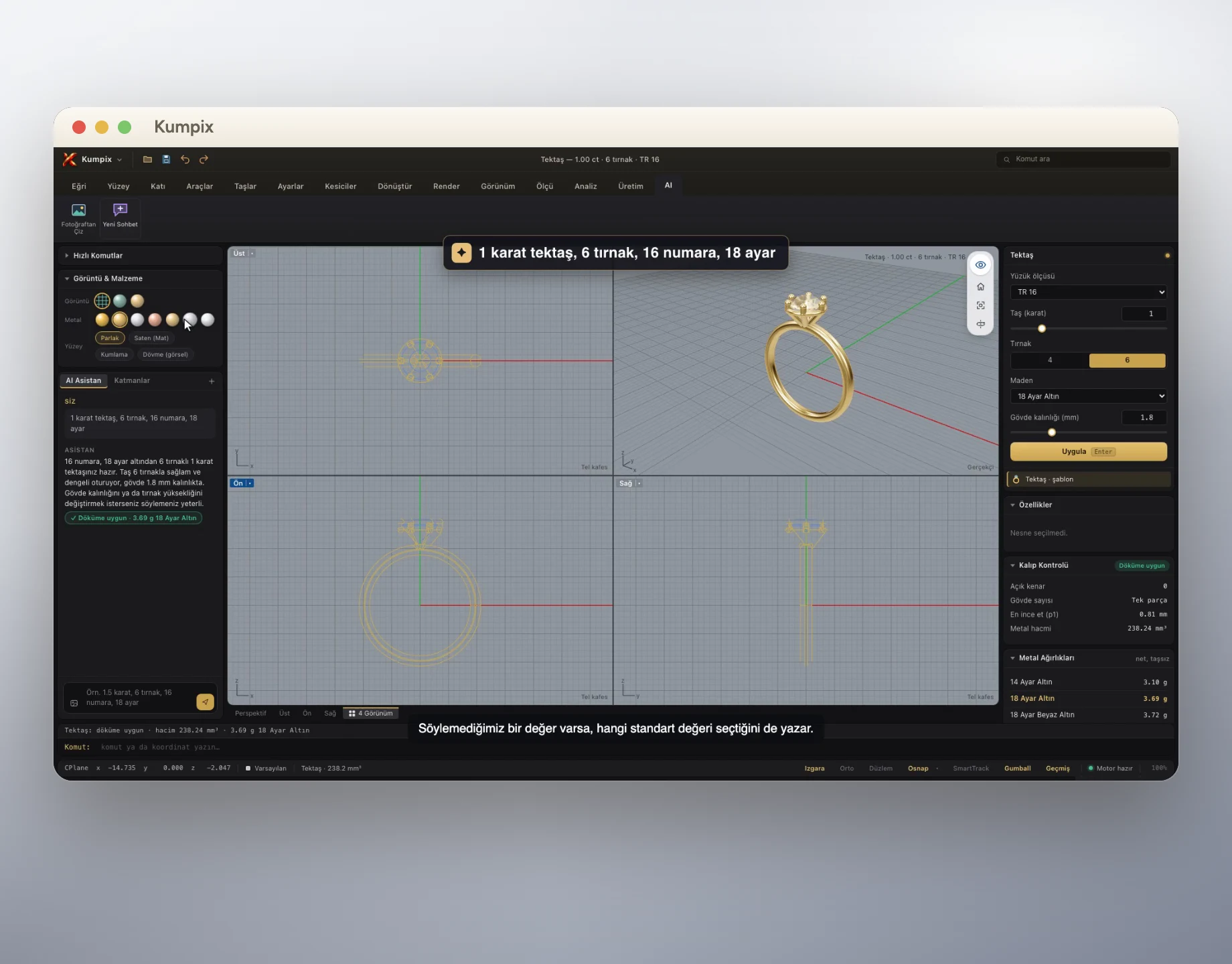
Show the customer
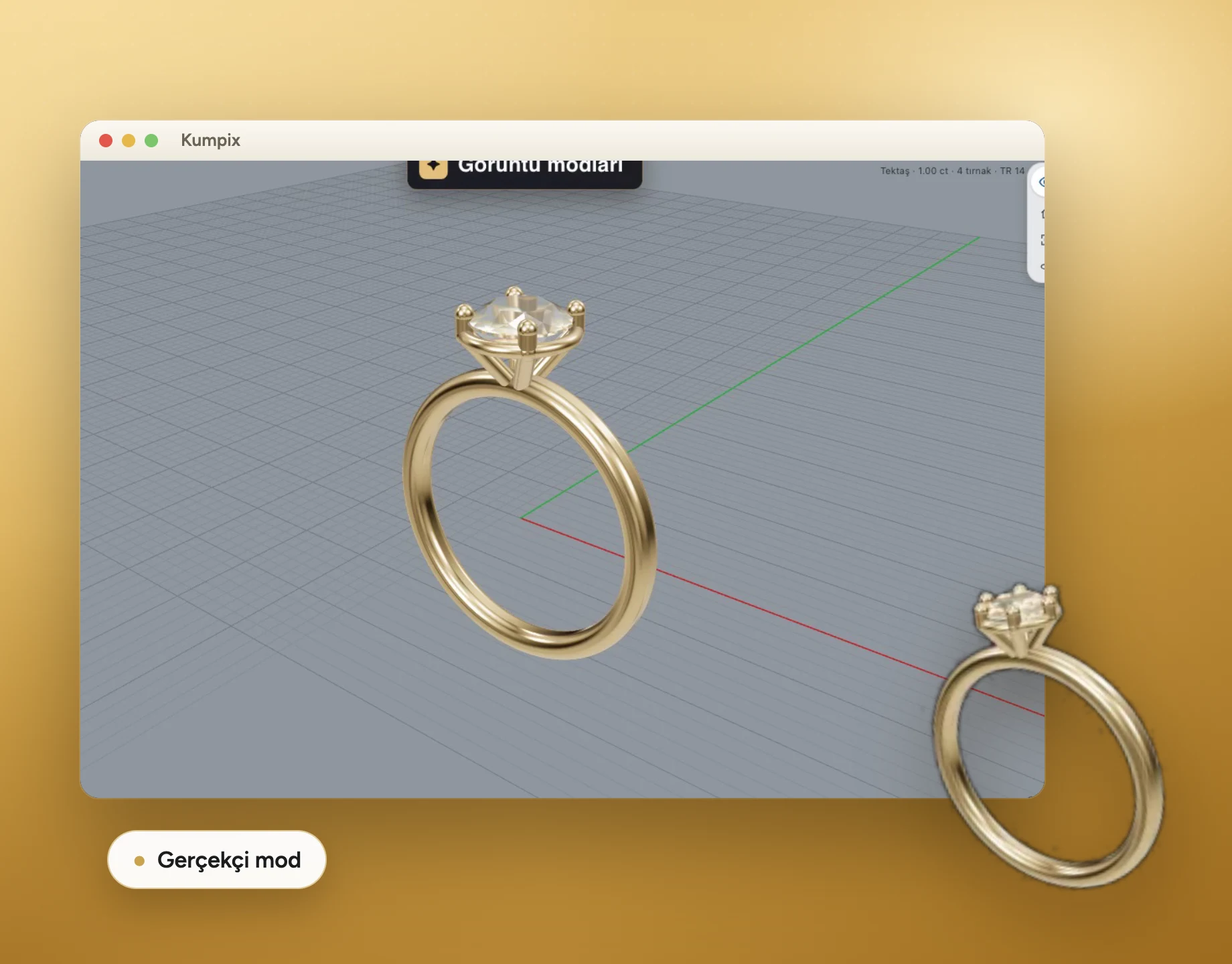
a photo-like image
Customer approval link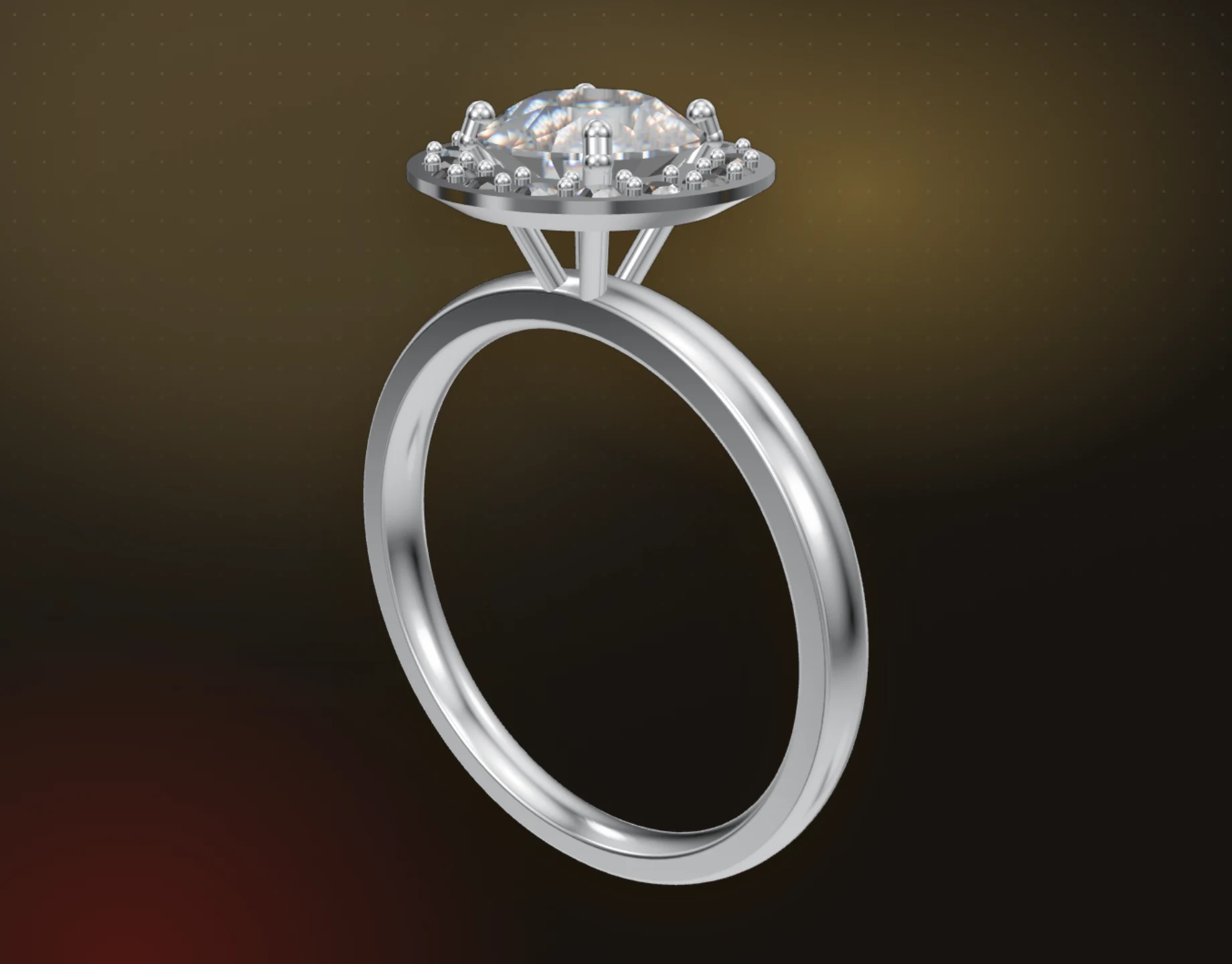
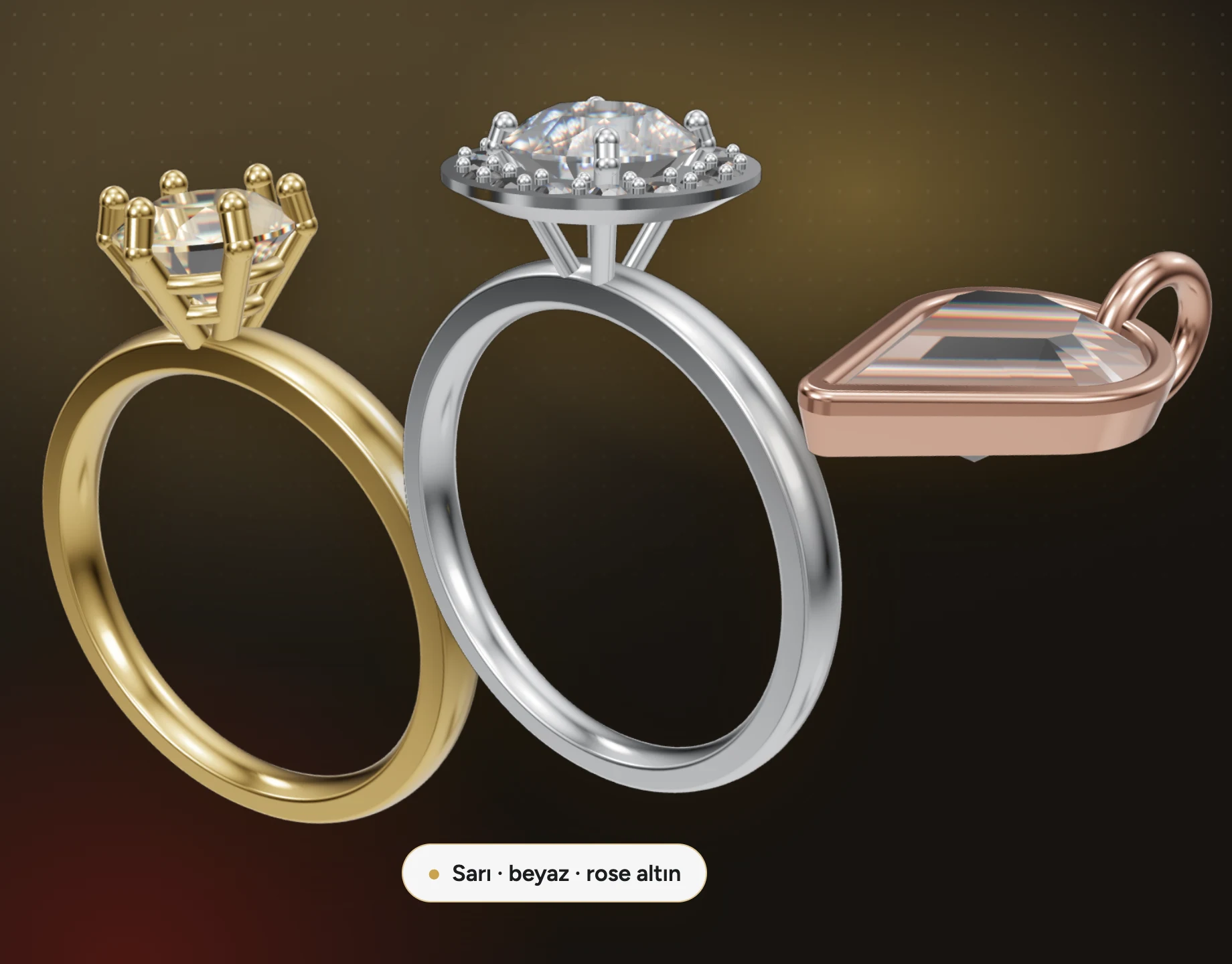
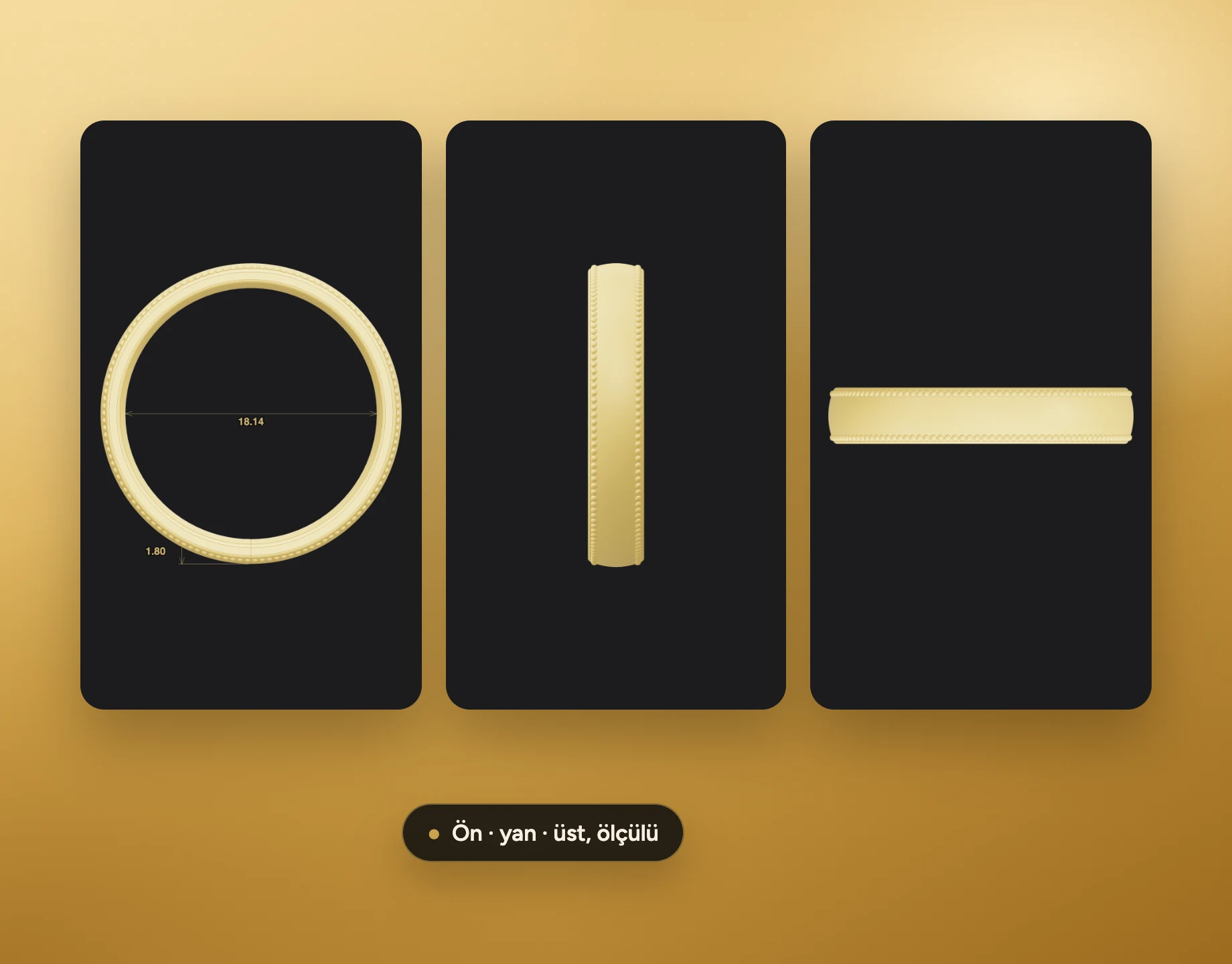
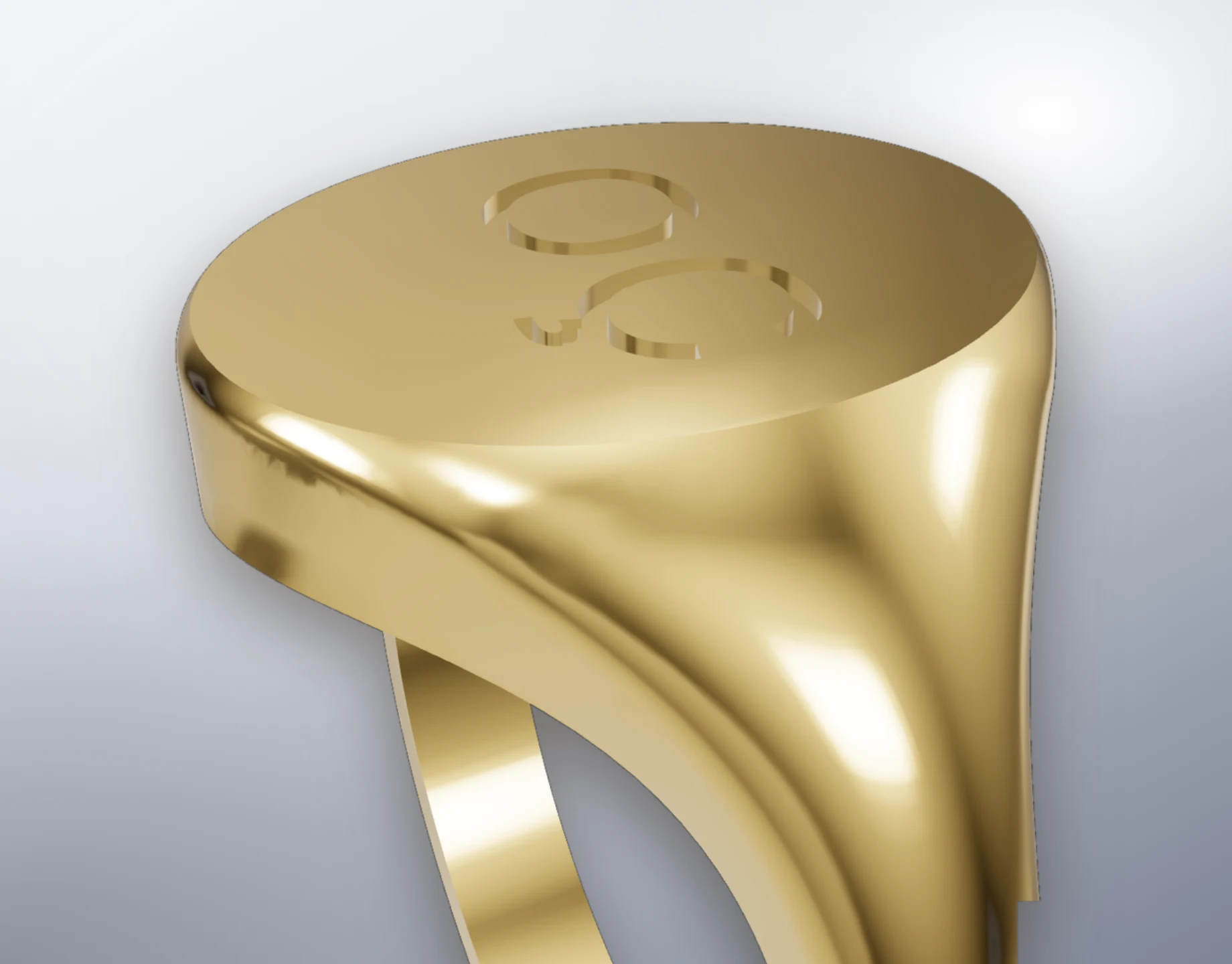
Workshop-ready
files
Kumpix for workshops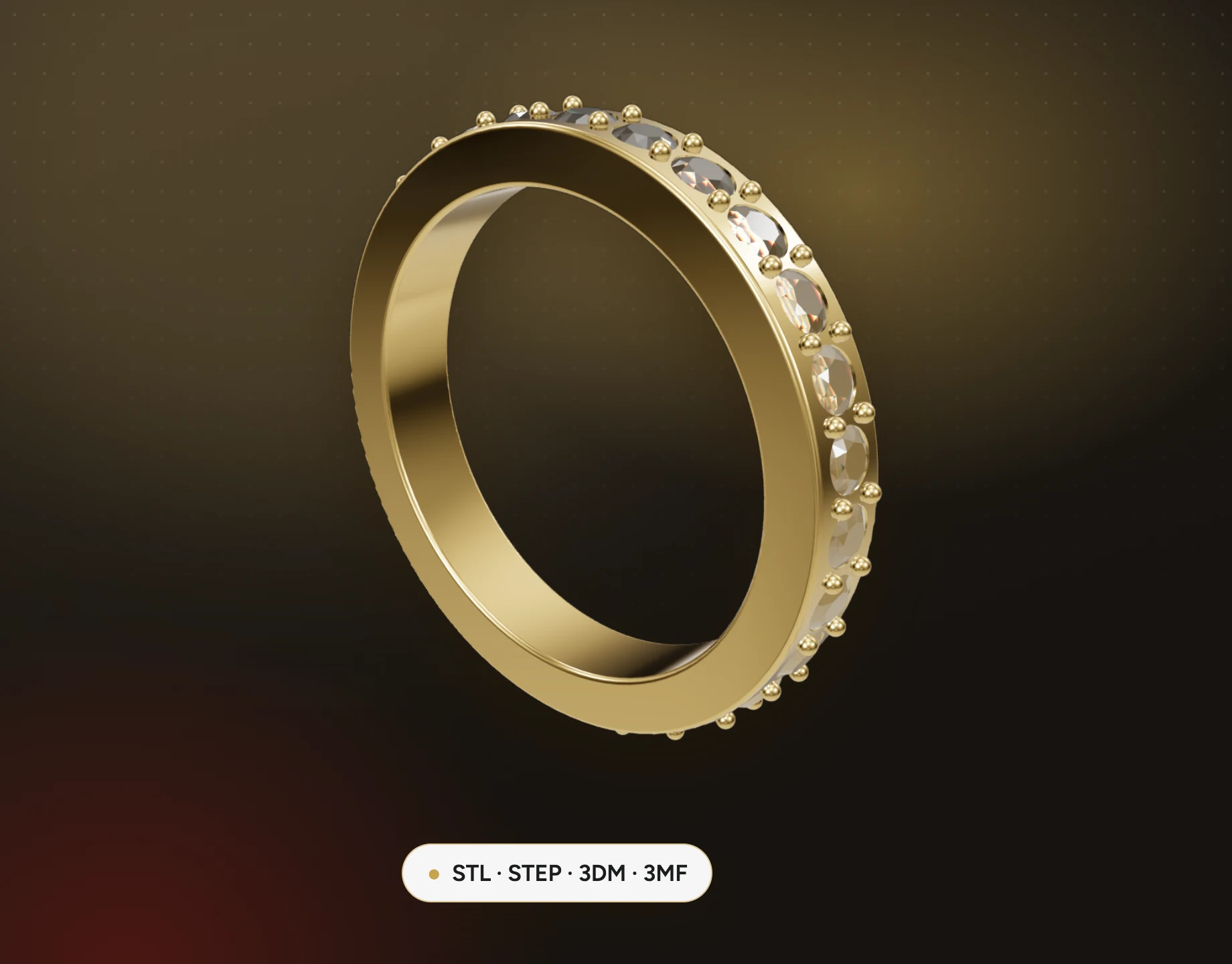
with precise CAD tools
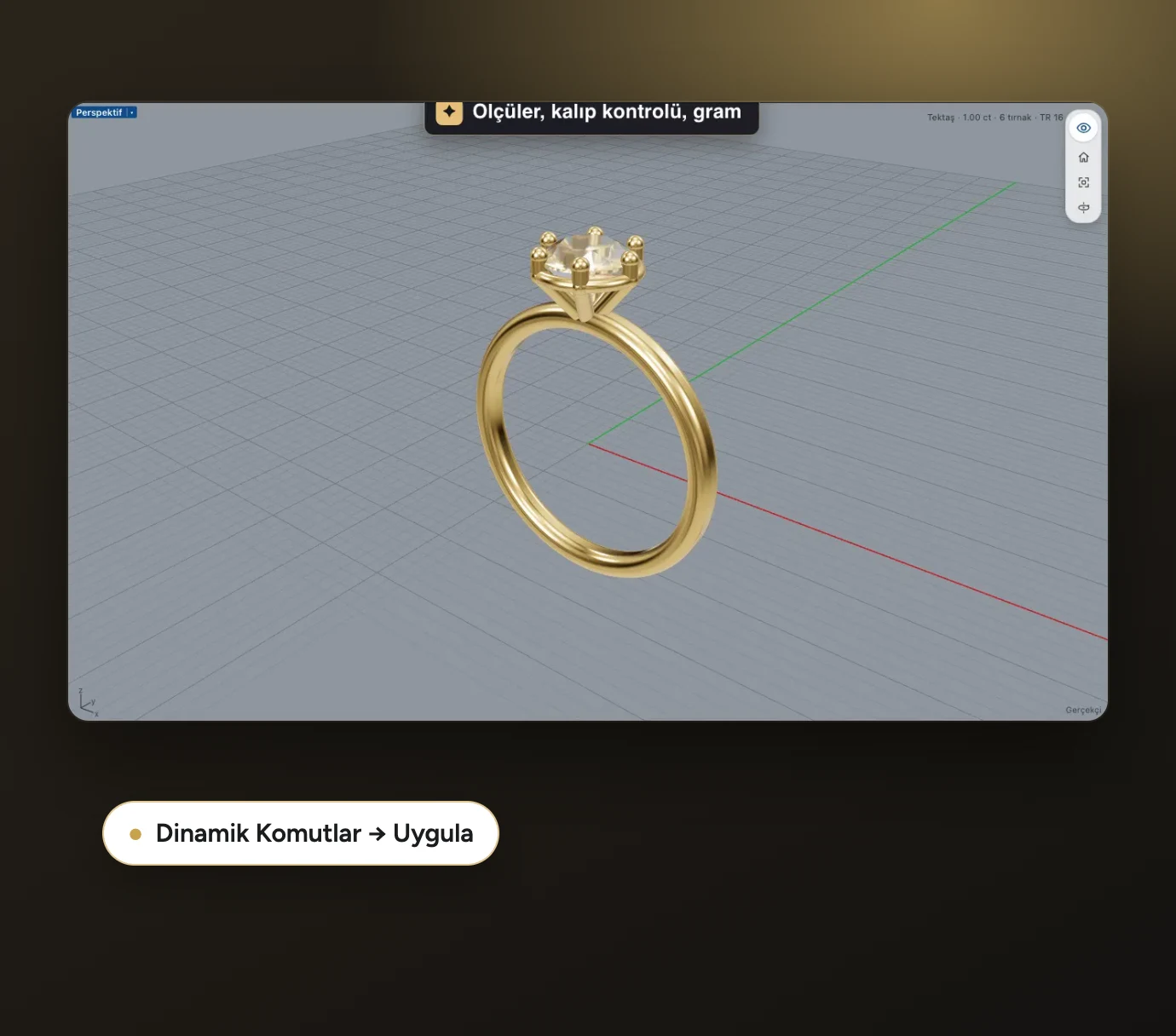
Ring rail, profile placement, stone layout and cutters. Every dimension is measured on exact geometry; the model stays within ±0.01 mm of the brief.
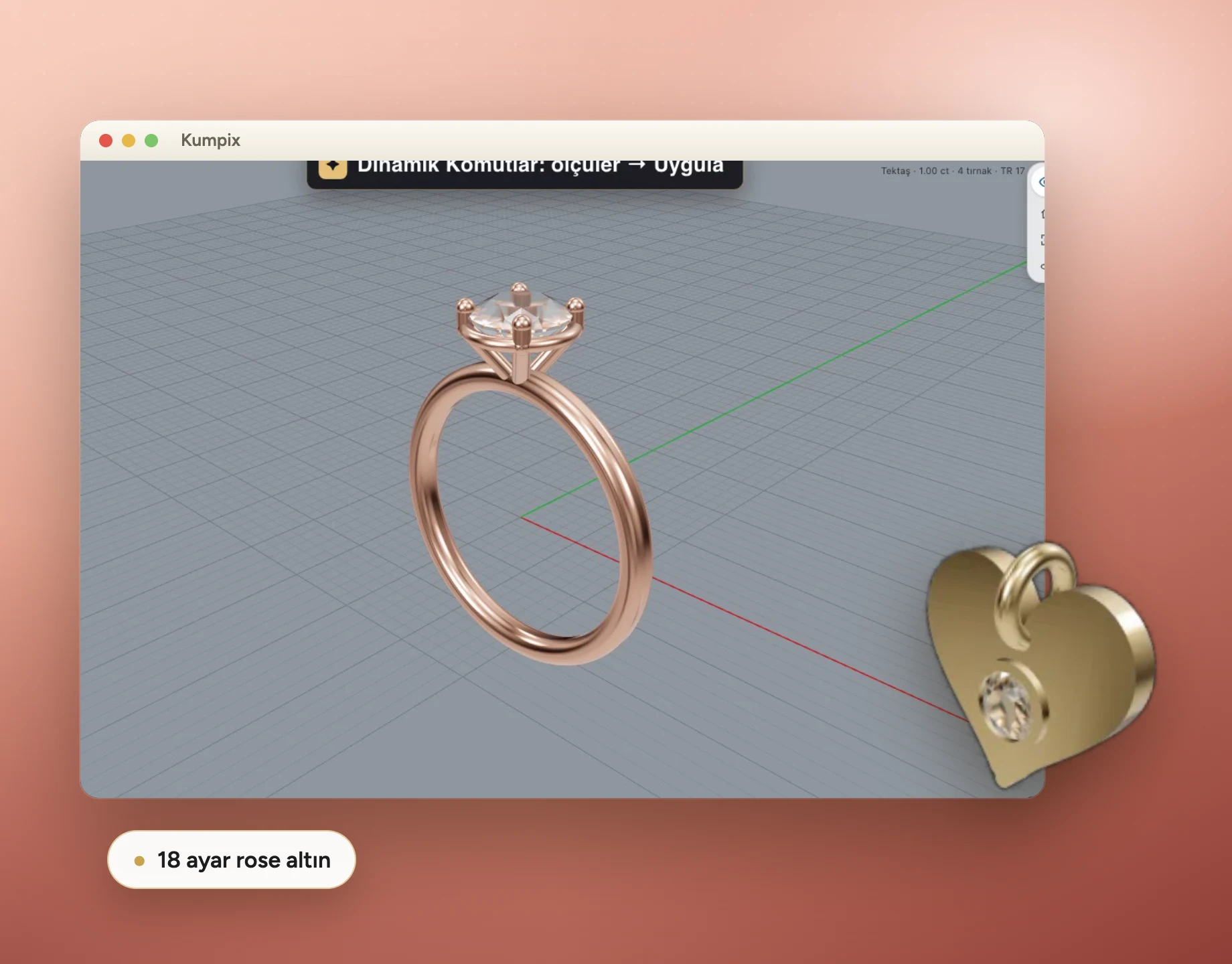
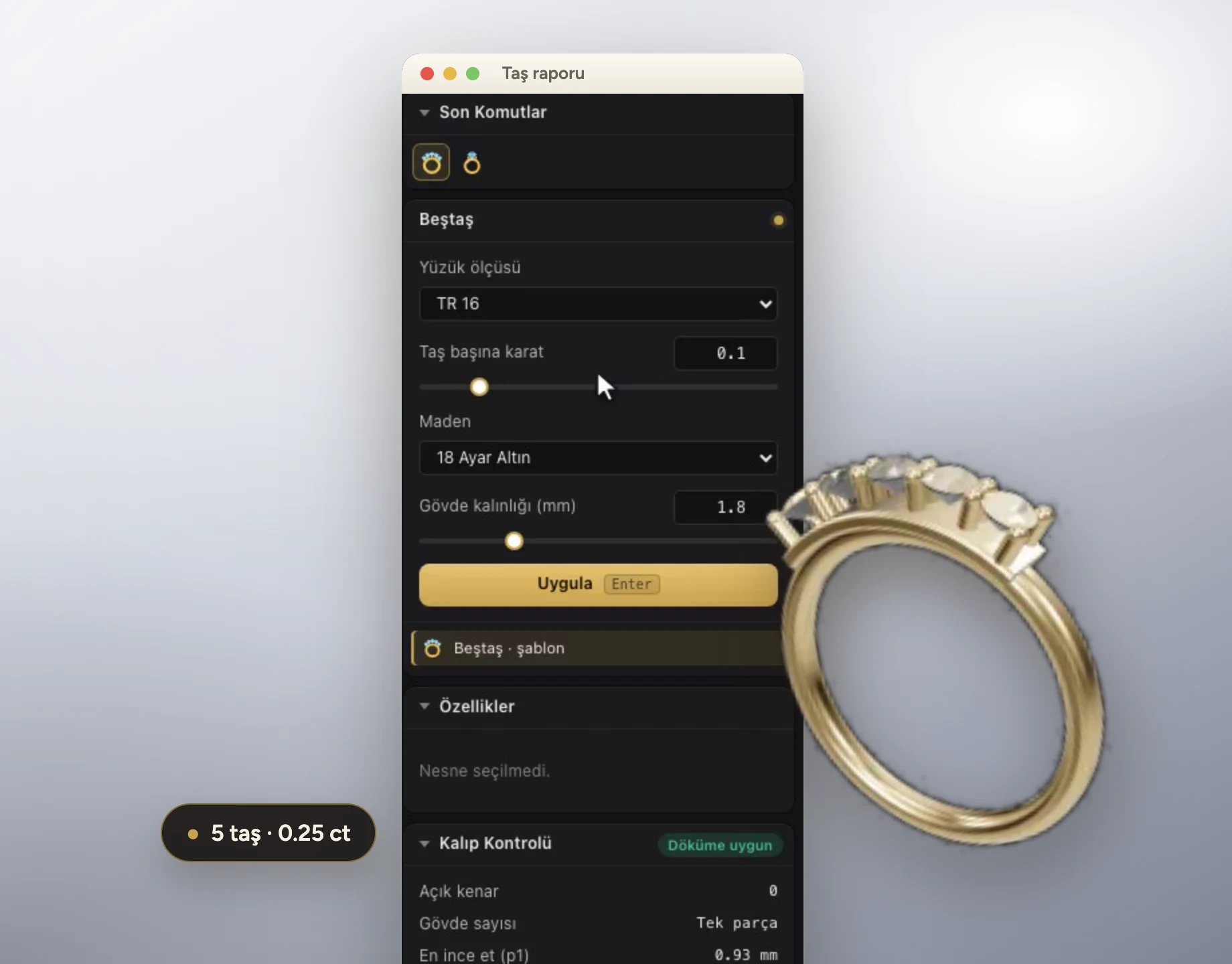
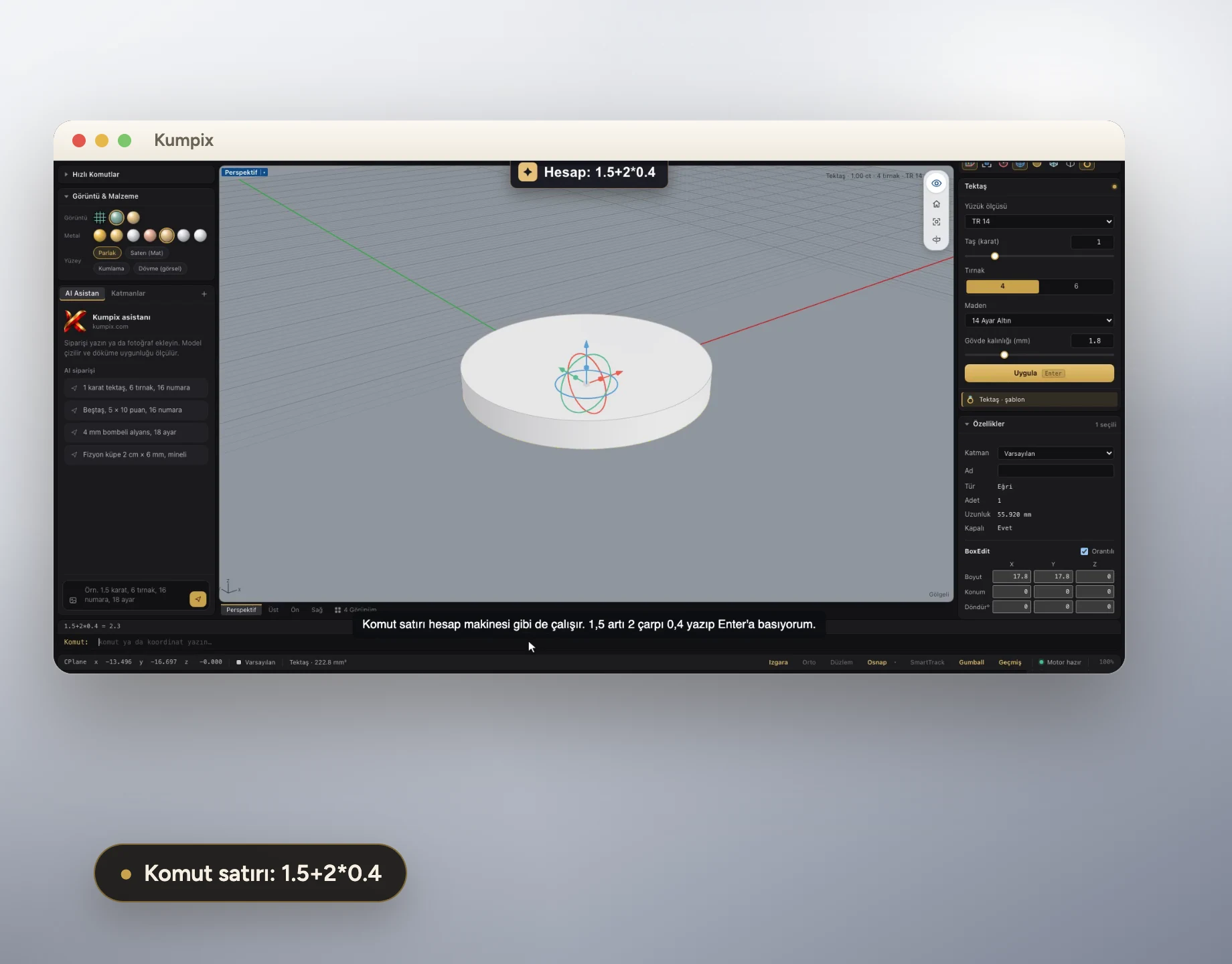
Start freeChange ring size, carat, prongs and shank thickness in the Dynamic Commands panel; the casting check and gram weight update at the same time.
Watch how it works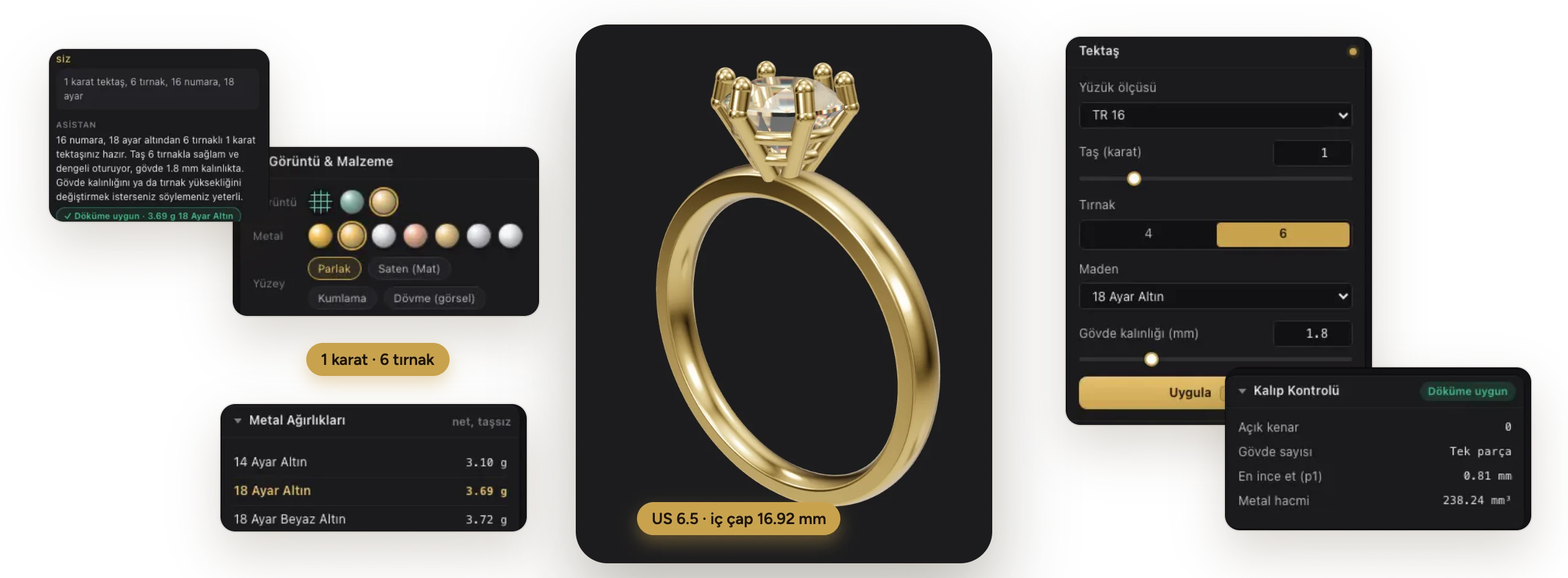
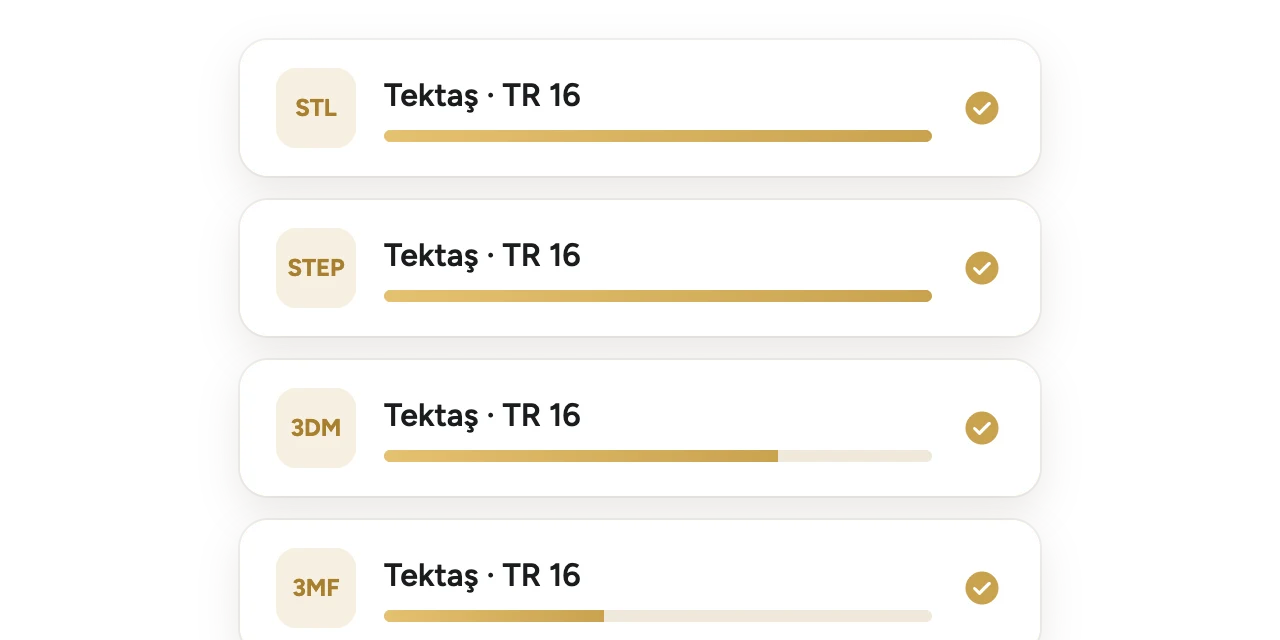
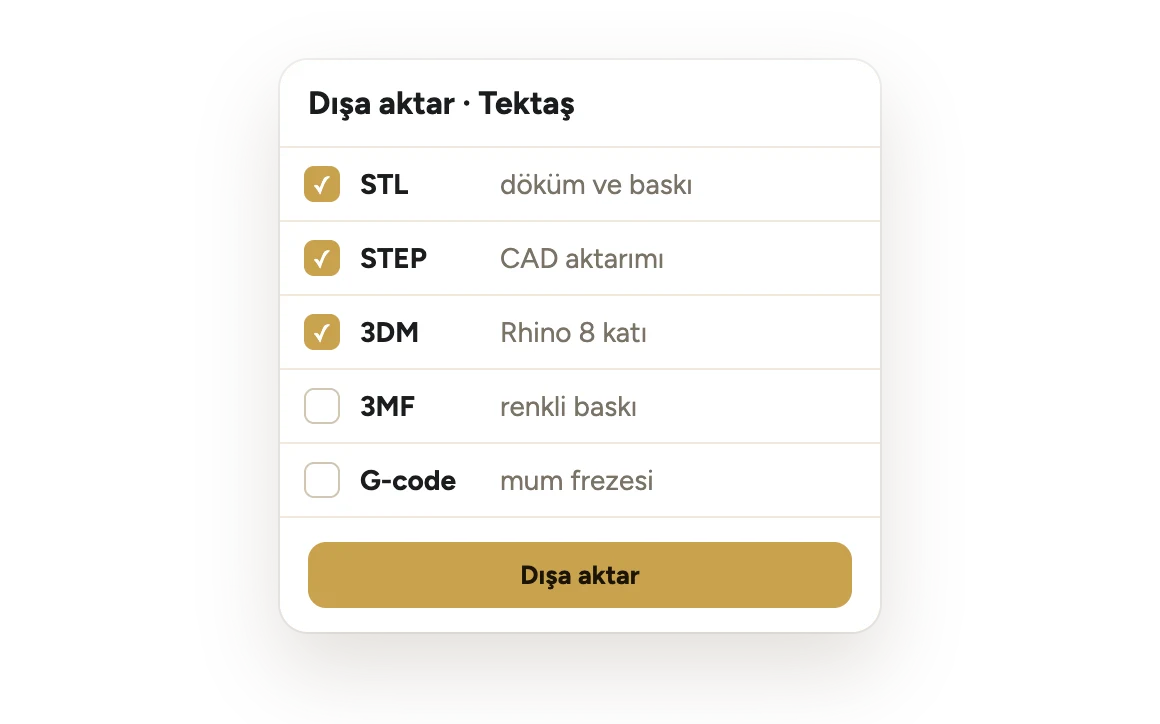
Export STL, STEP, 3DM and 3MF. 3DM files open in Rhino 8 as closed solids with their layers.
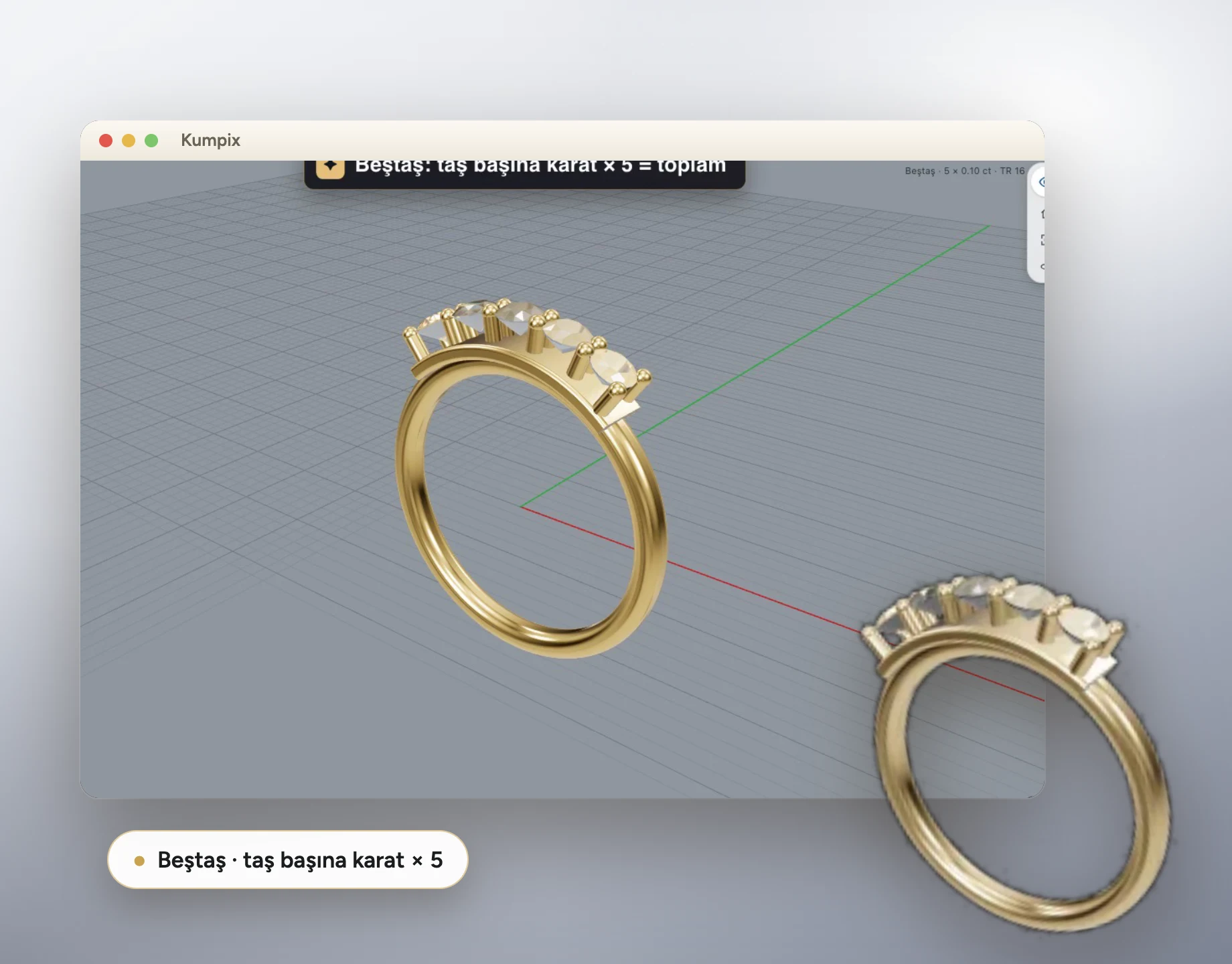
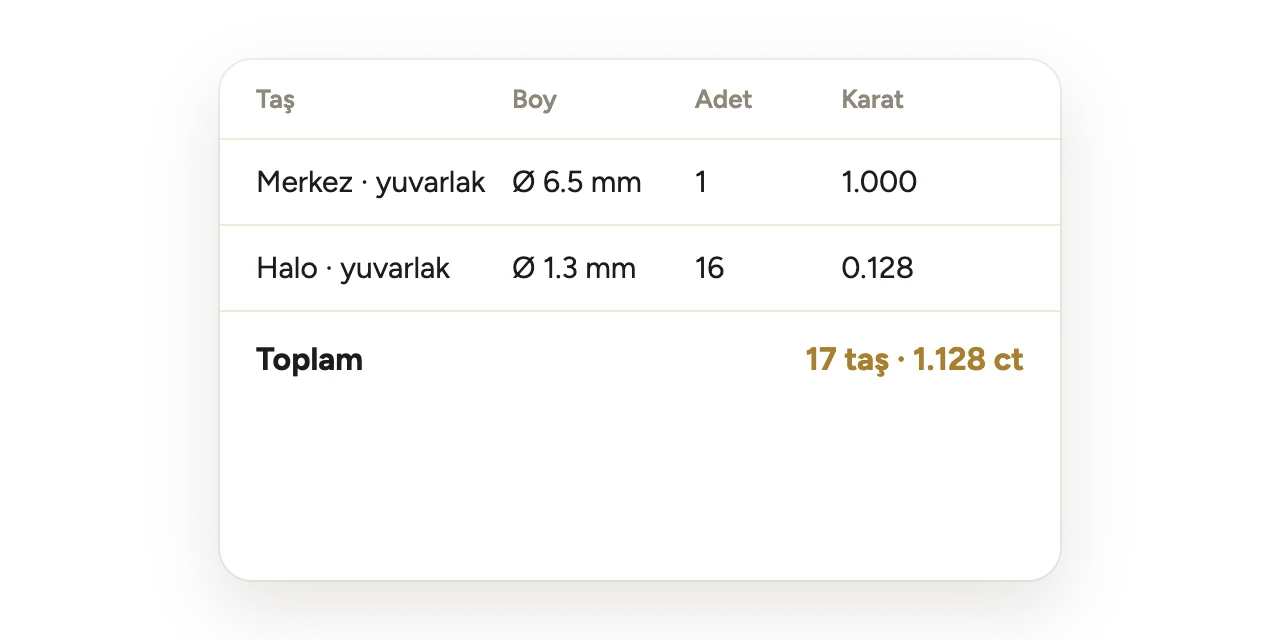
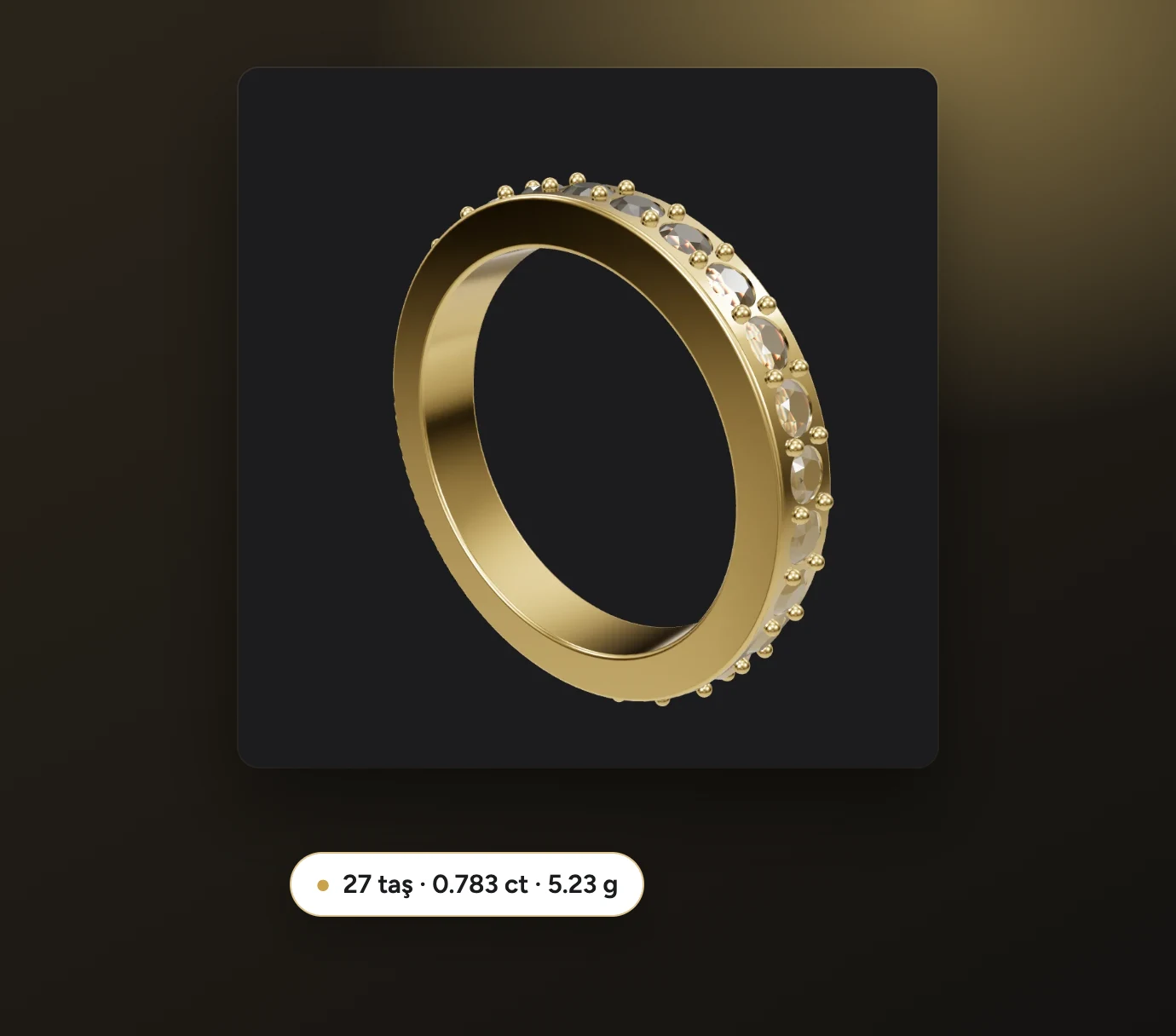
Stone count, sizes and total carat are ready for every model; quotes are calculated from your editable stone catalog.
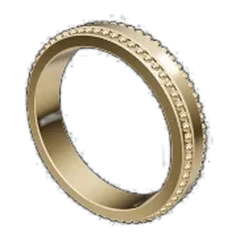
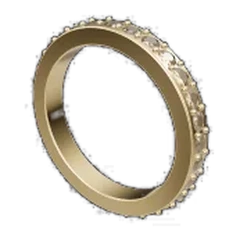
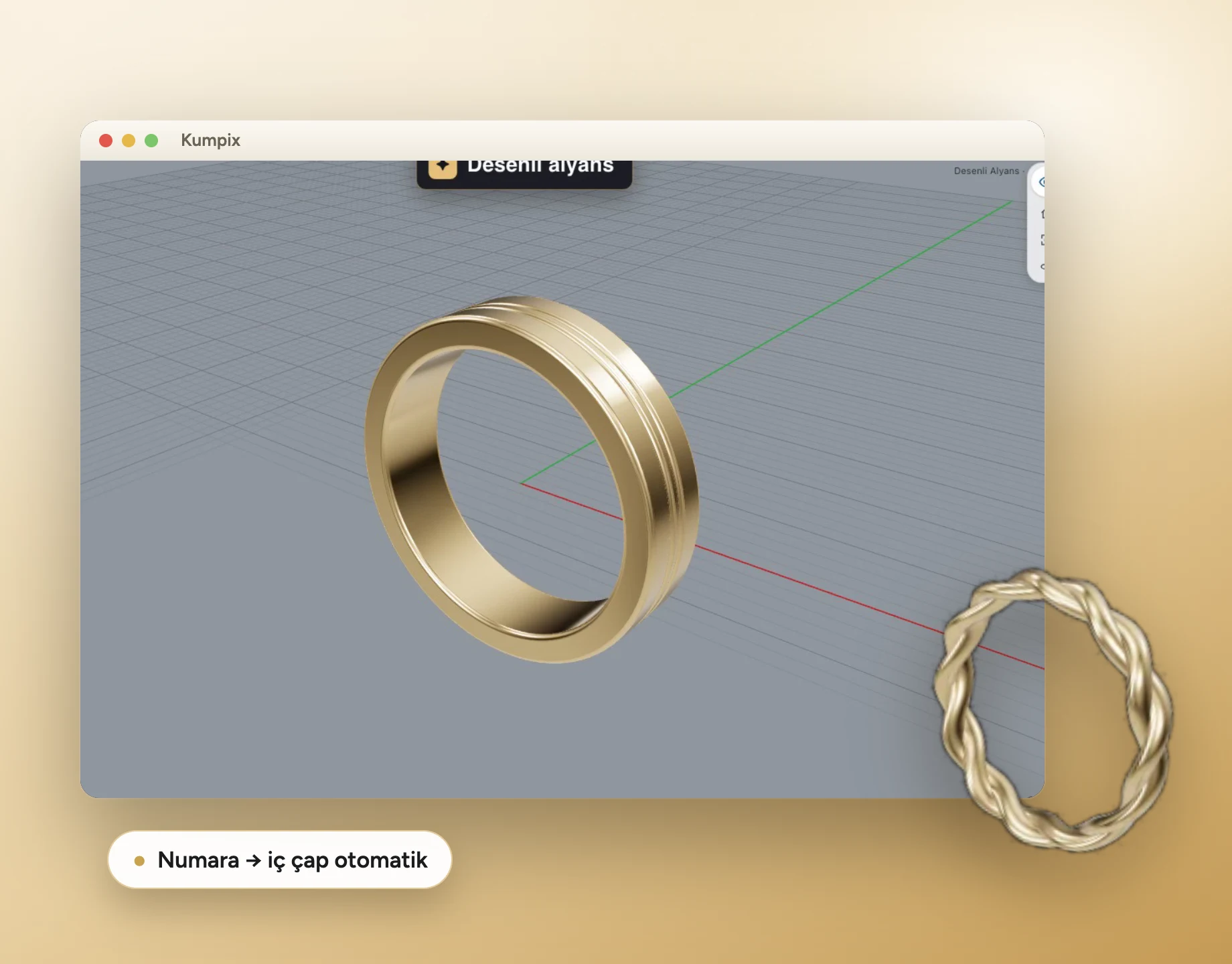
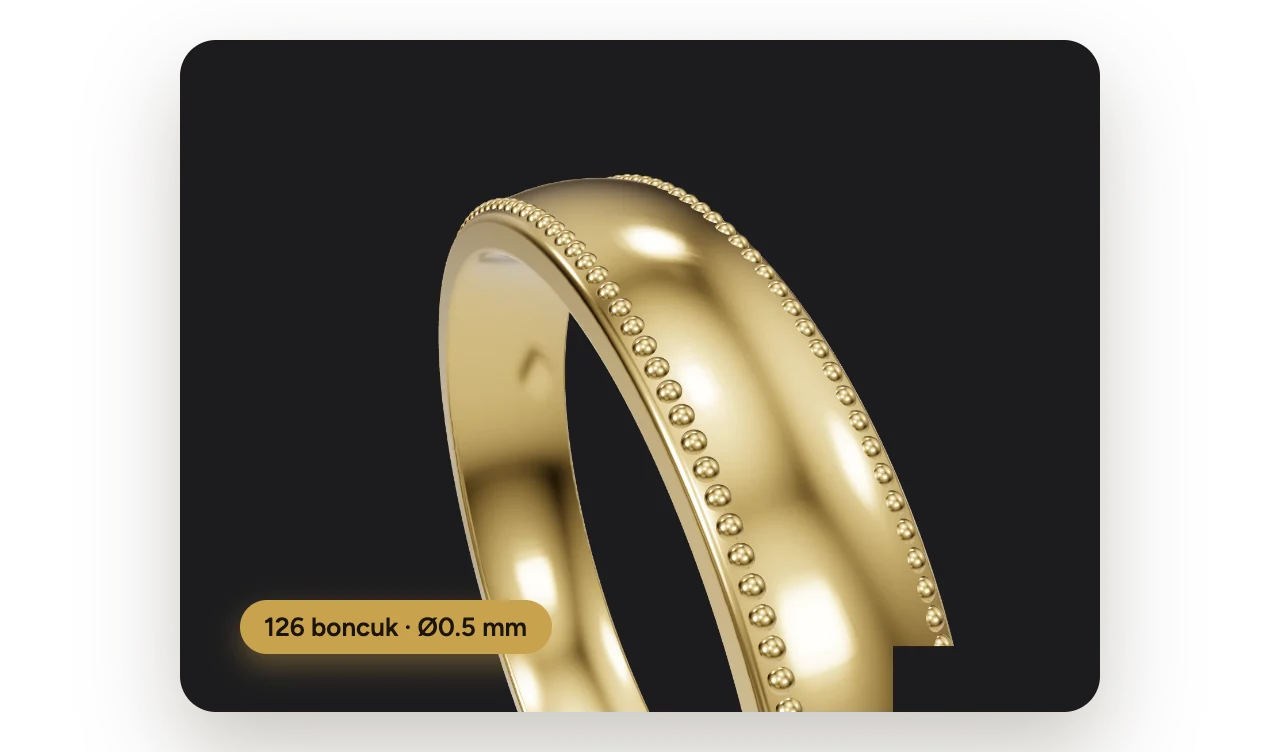
Bead rows, knurling, hammered and sandblasted textures; patterns flow over the surface and are carried into the model that goes to casting.
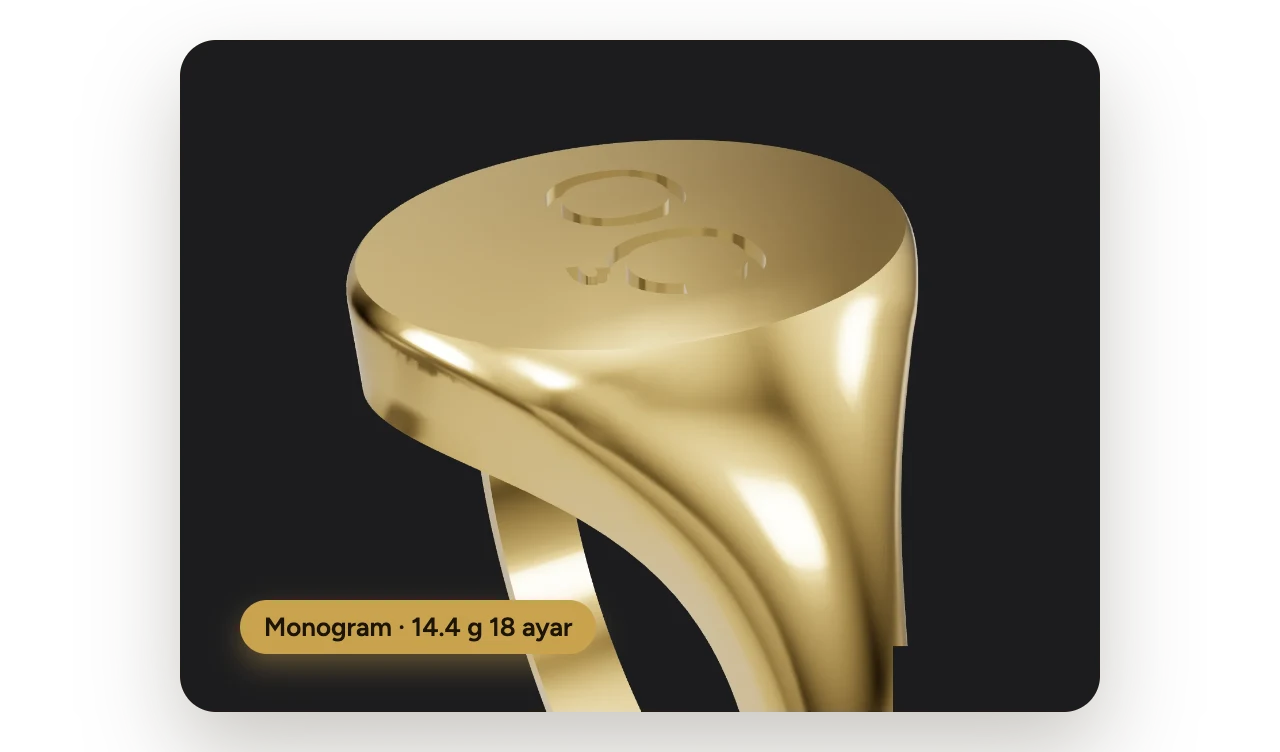
“585” and “750” karat stamps, logos and monograms are cut into the shank.
 Autosave
The document is written to disk on every change; if the program closes, you continue where you left off when you reopen it.
 Text on a curve
Place names and dates along a curve on the inside or outside of the ring; the text is cut with an embedded font.
 Customer approval link
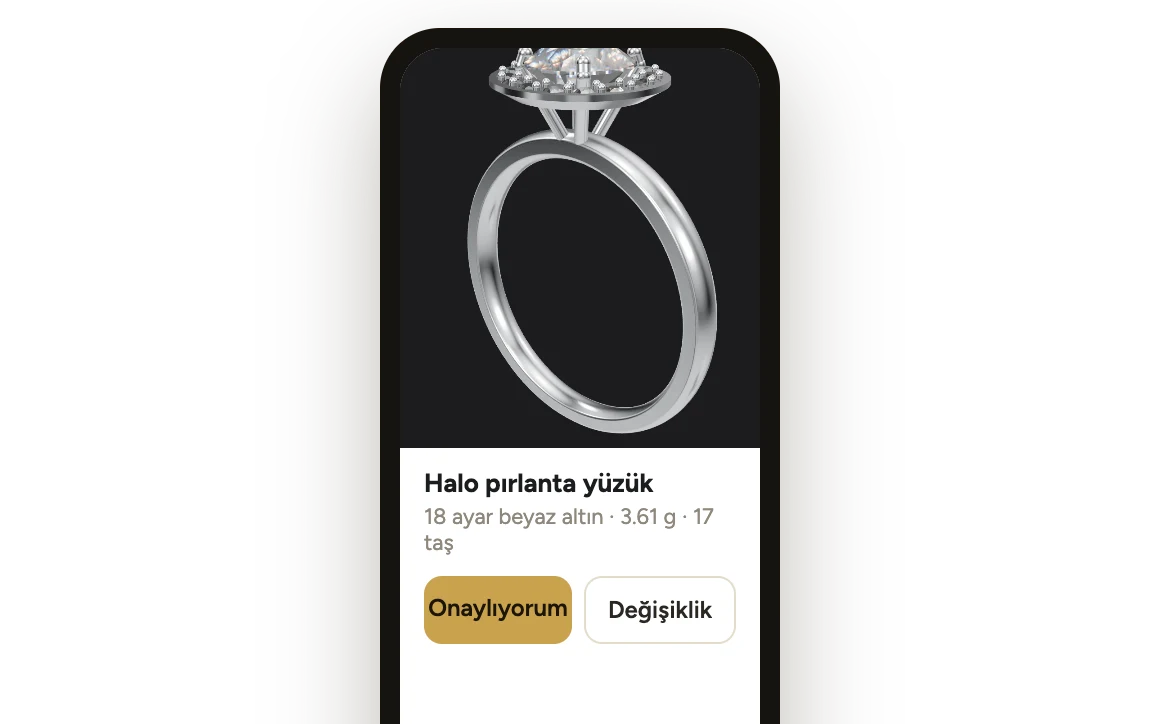
Your customer turns the model in 3D on their phone and answers “I approve” or “I want changes”; the reply lands in the app.
 Rhino and Matrix Gold bridge
Bring Kumpix models into Rhino 8 and Matrix Gold with their layers; run solids from Rhino through the Kumpix casting check.
Showcase collection: measured pieces
Every piece started from a designer's brief and was drawn with Kumpix tools only. Every dimension in the brief was measured on exact geometry.
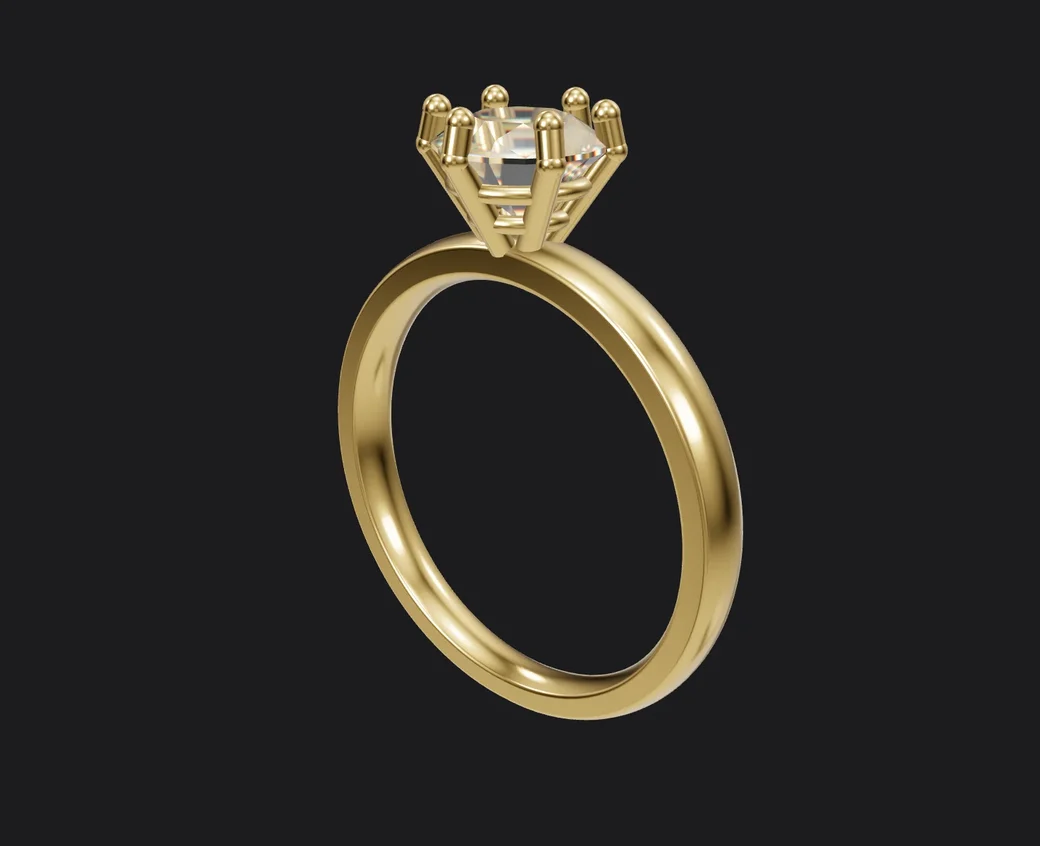

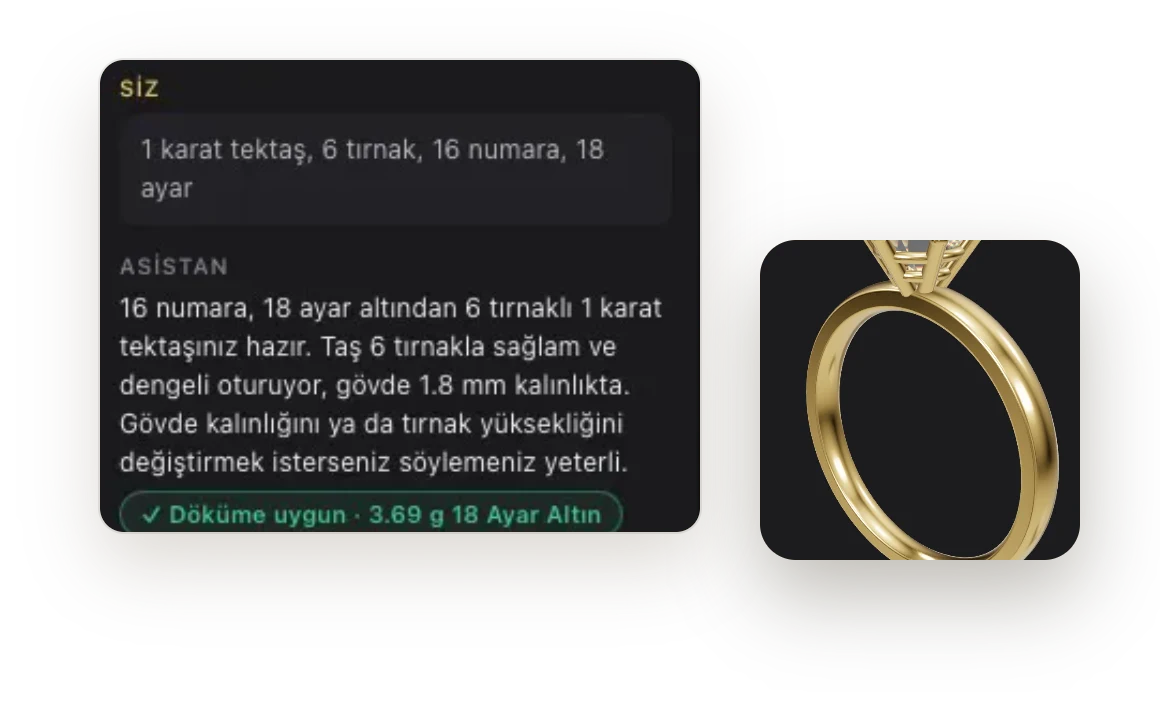
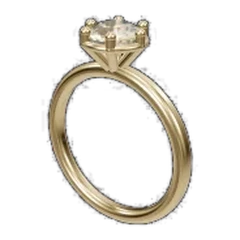
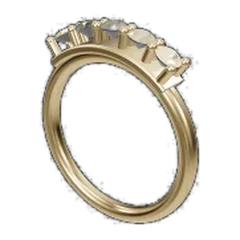
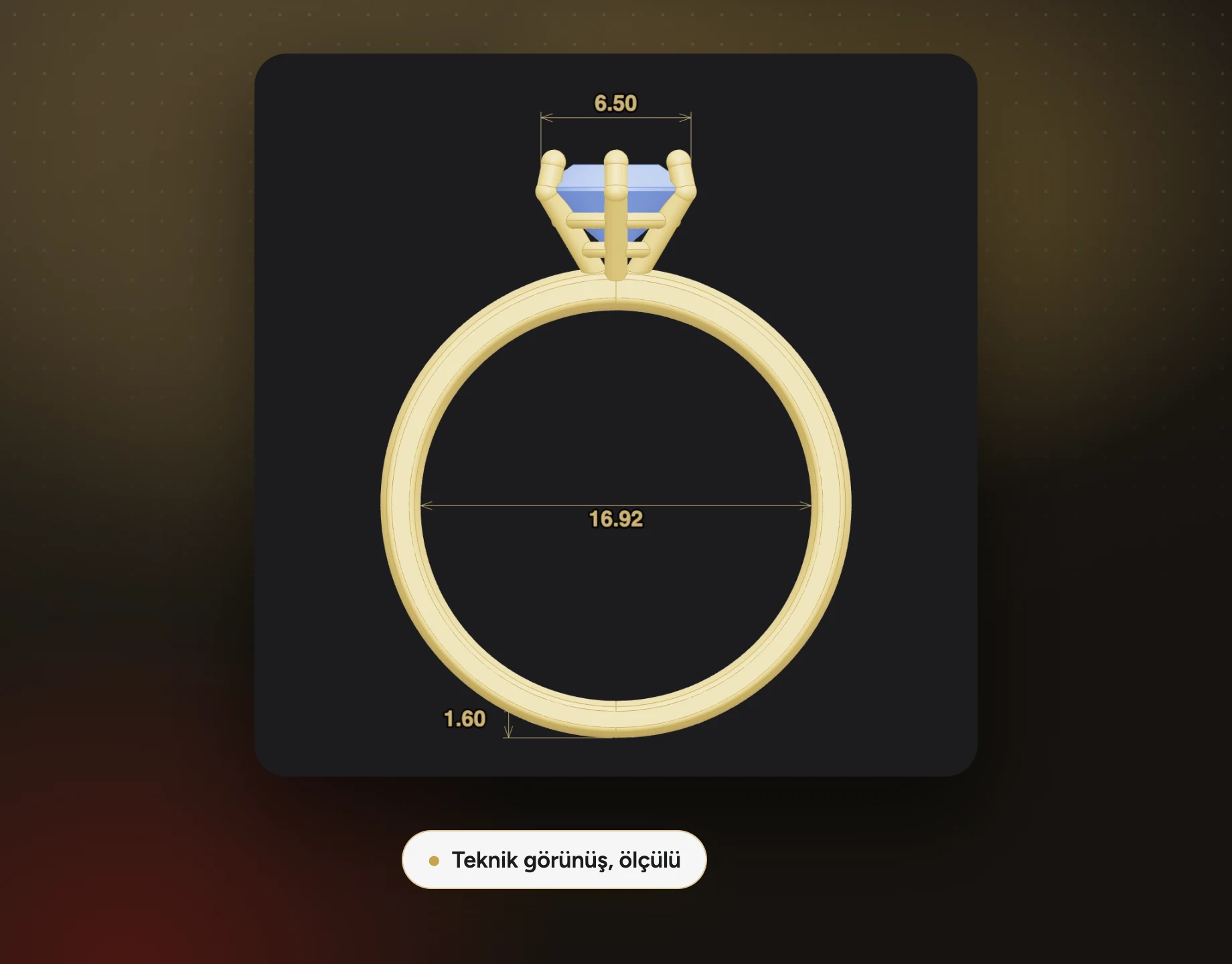
1 carat (6.5 mm) round brilliant solitaire, high 6-prong head, comfort shank 2.0 × 1.6 mm at the base widening to 2.6 × 1.9 mm towards the top, US 6.5, 18k yellow gold.
353 parametric templates:
never start from a blank page
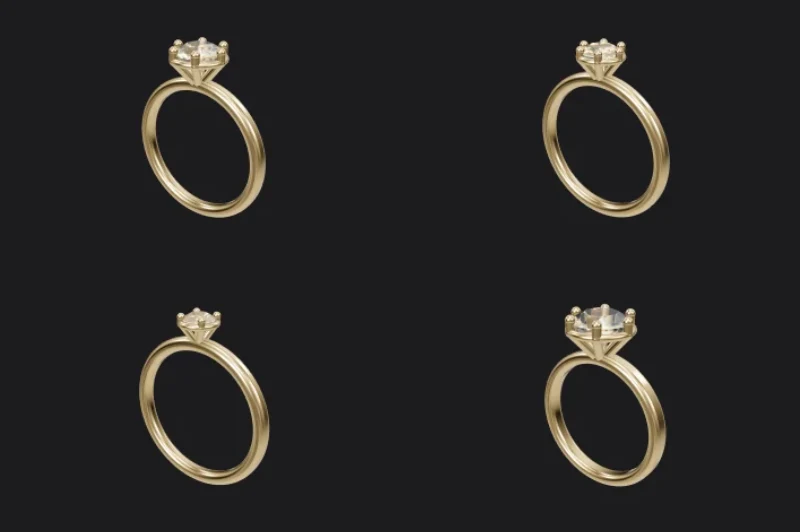
22 templates · 4 and 6 prongs
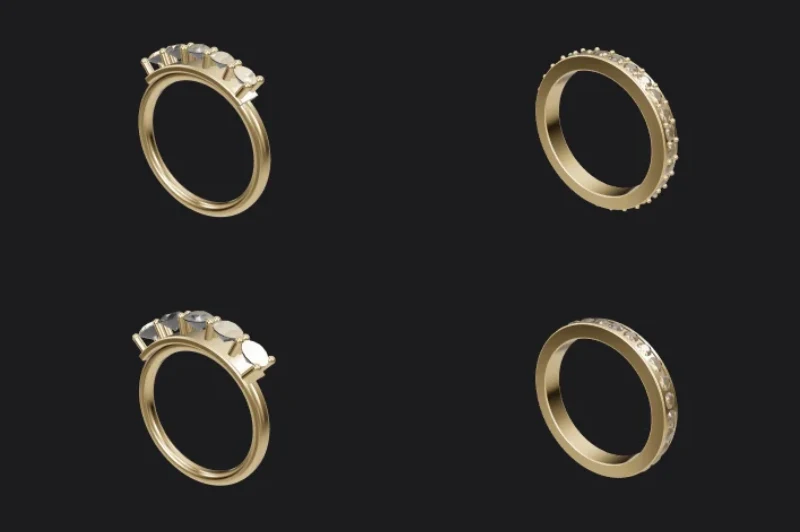
Stones line up automatically
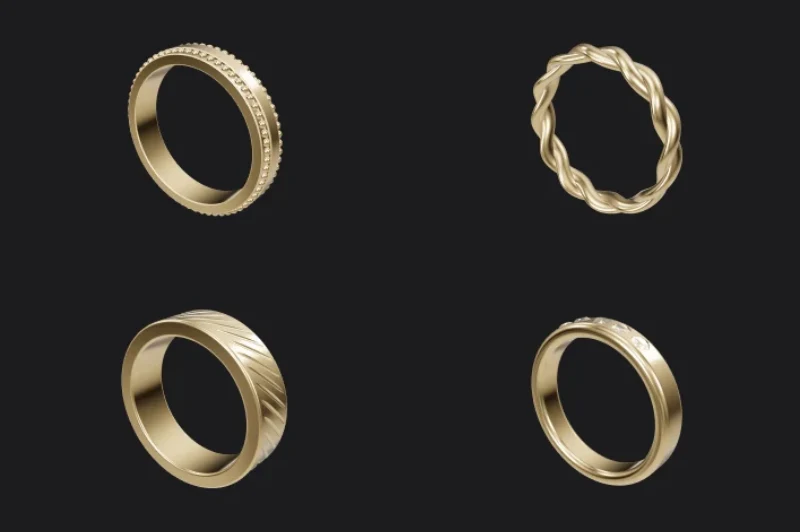
30 templates · 3–6 mm
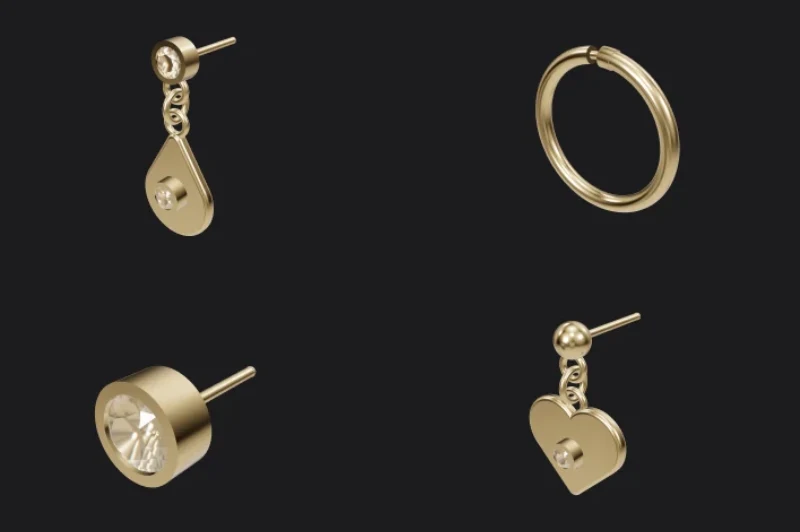
67 templates
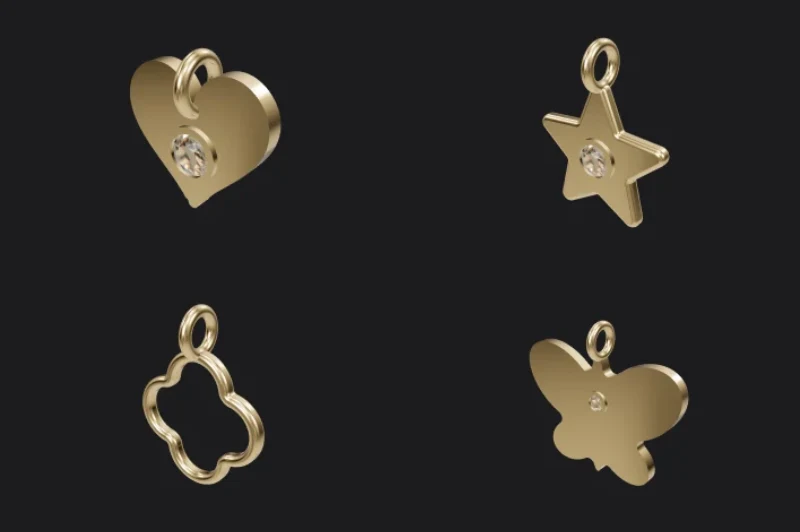
52 templates
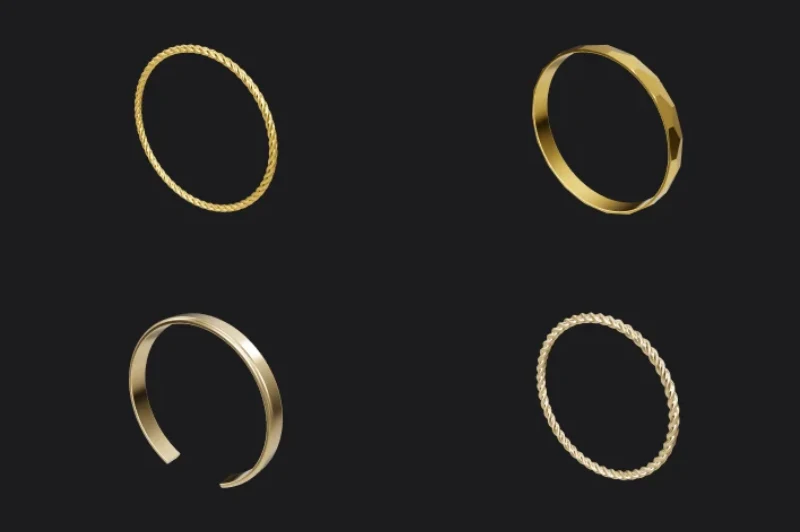
48 templates · twisted, Ajda, cuff
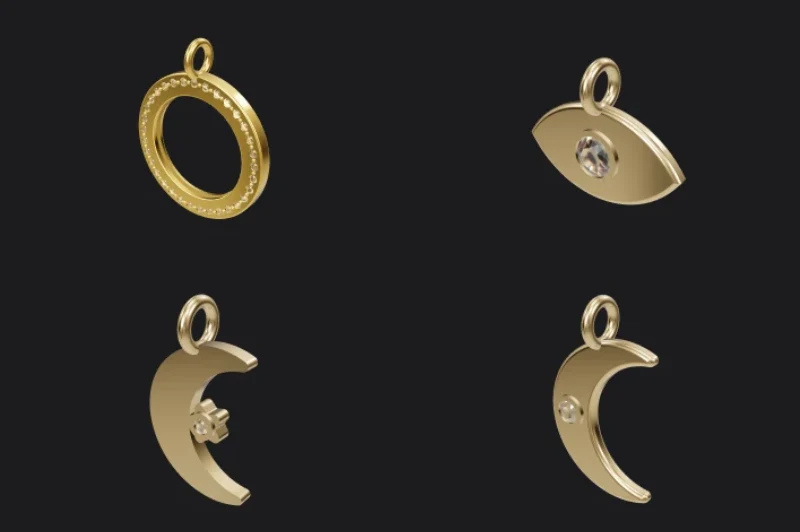
50 templates
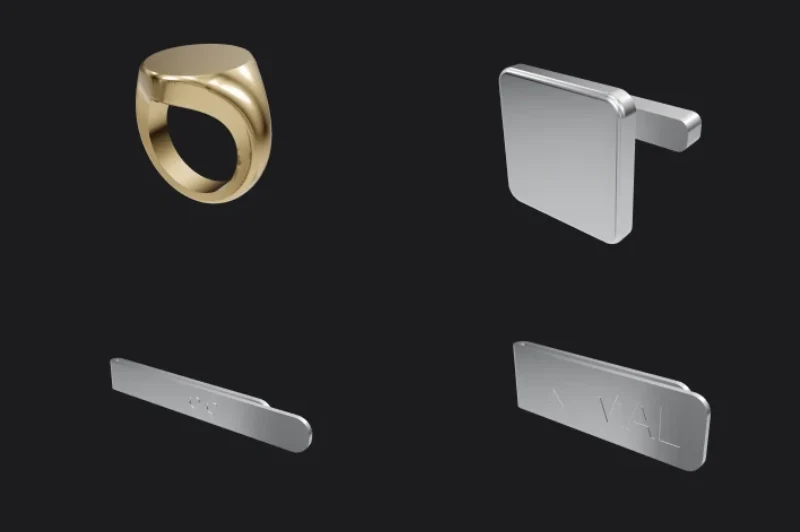
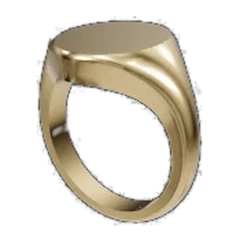
28 templates · signets, cufflinks
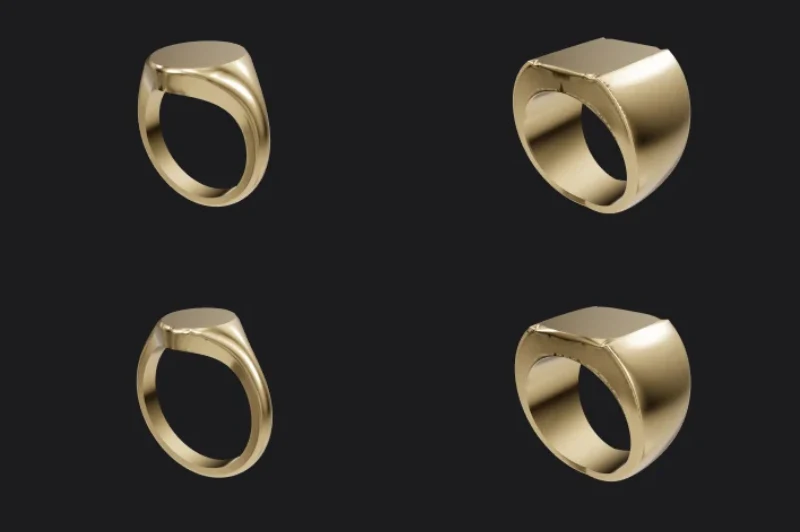
Oval, square, cushion
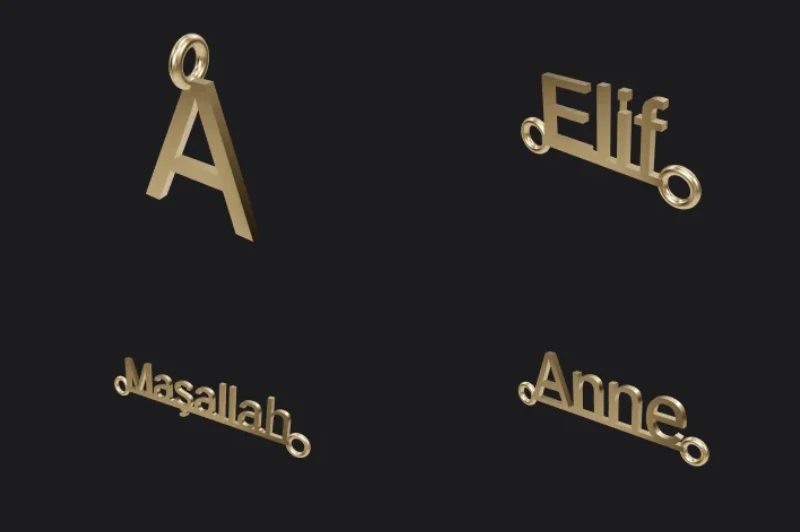
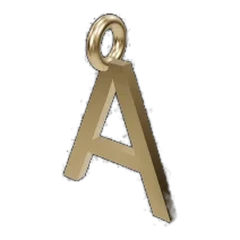
Cut with an embedded font
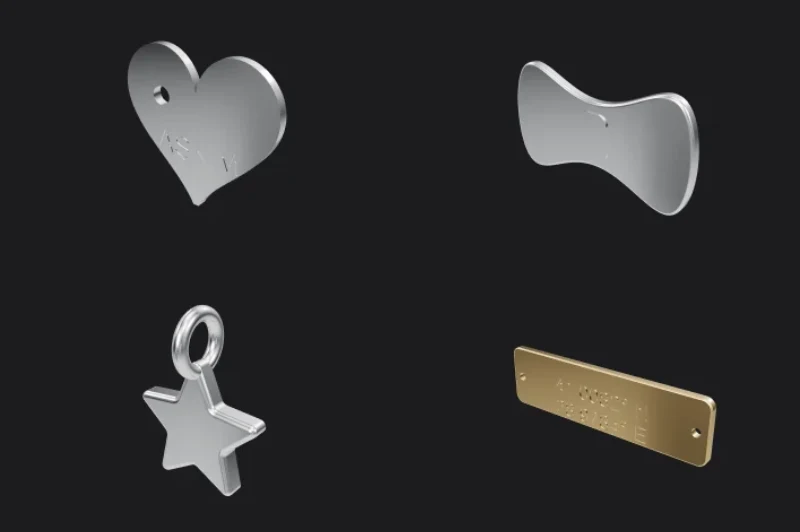
12 templates
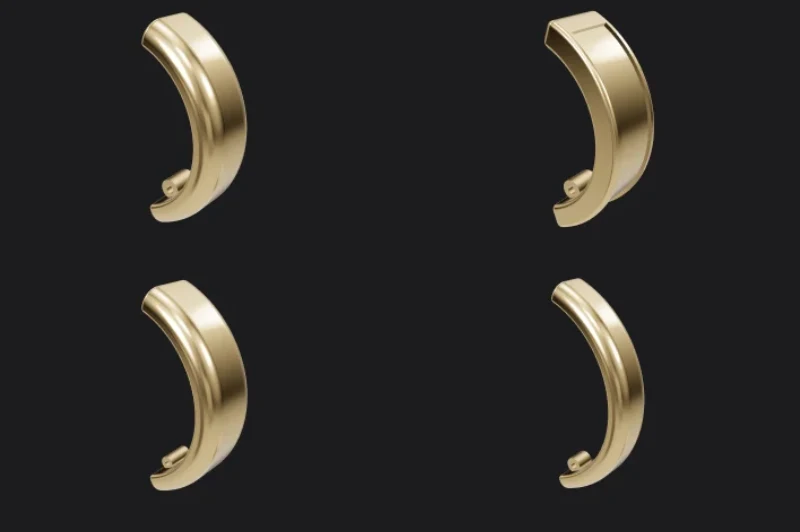
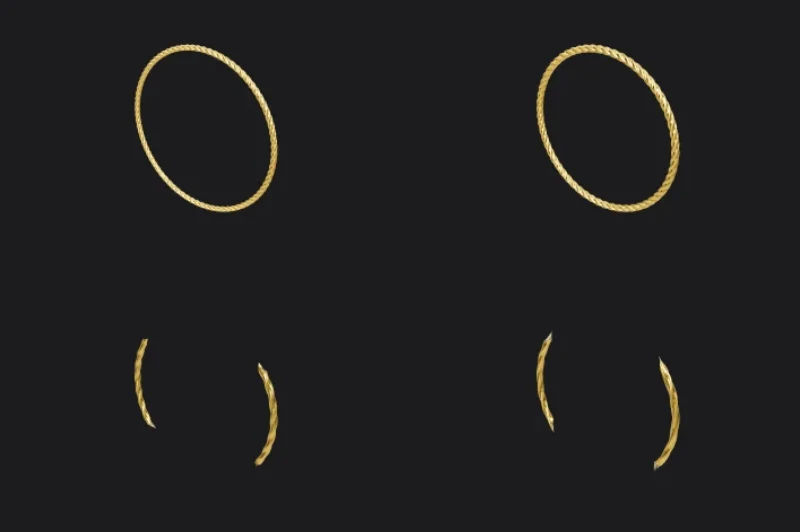
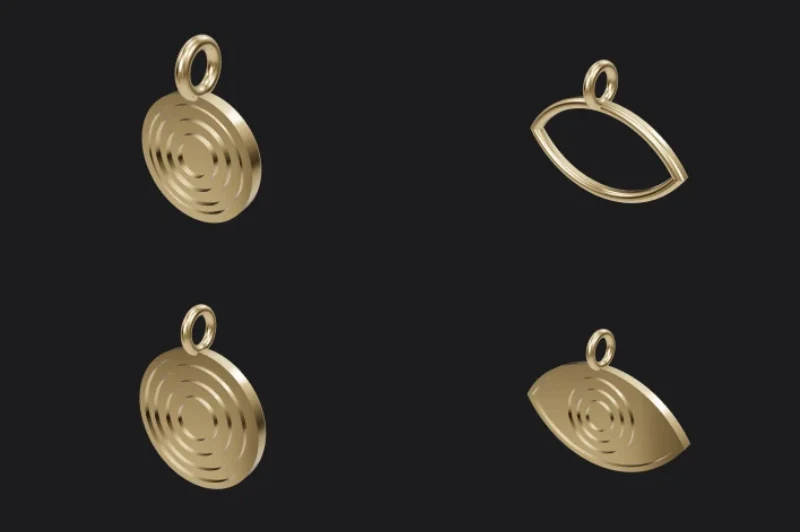
On the Templates page in the app
Every tool you need from design to casting is inside the program.

Casting tree
Attach pieces with sprues

3D printing
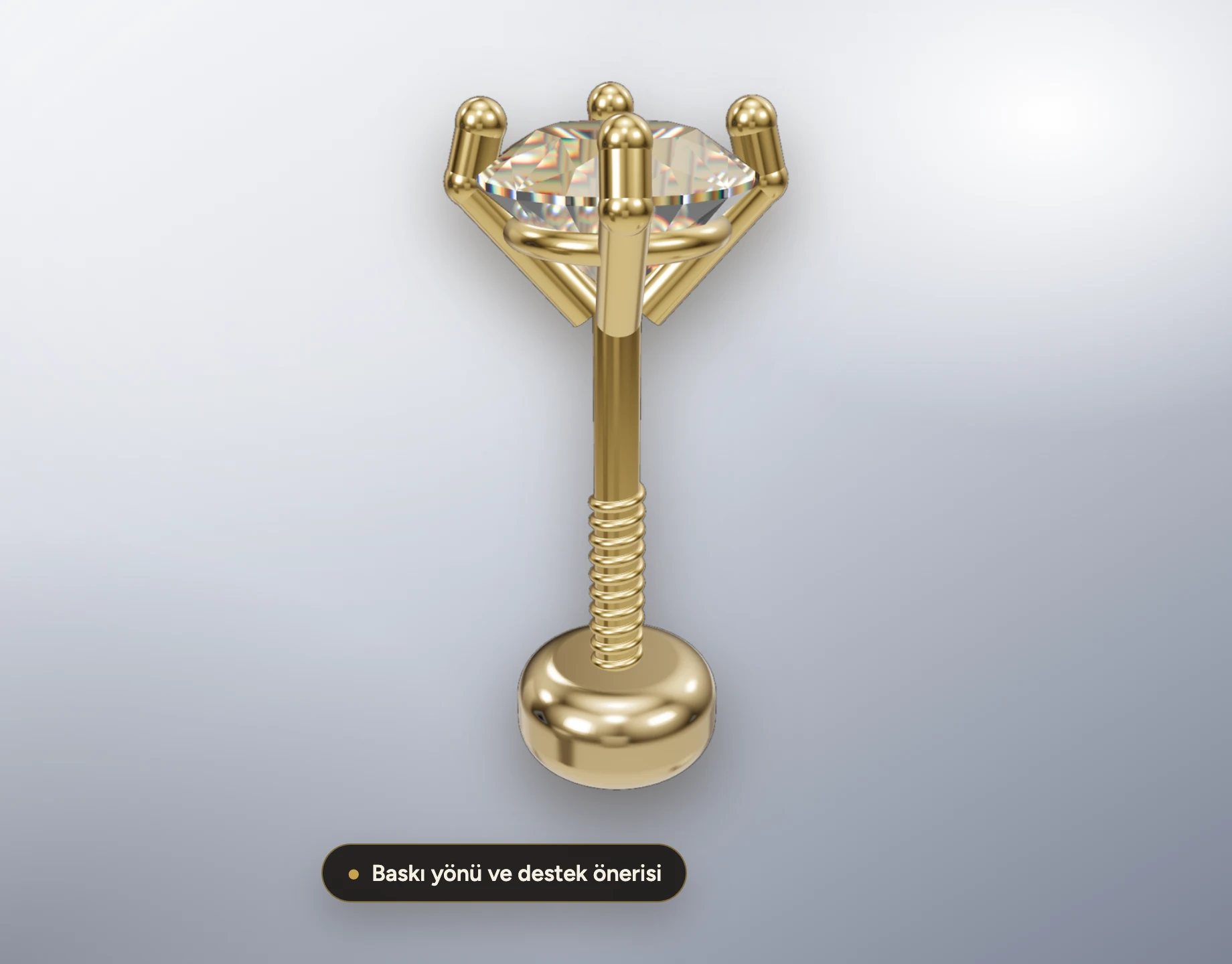
Orientation and supports

Wax milling
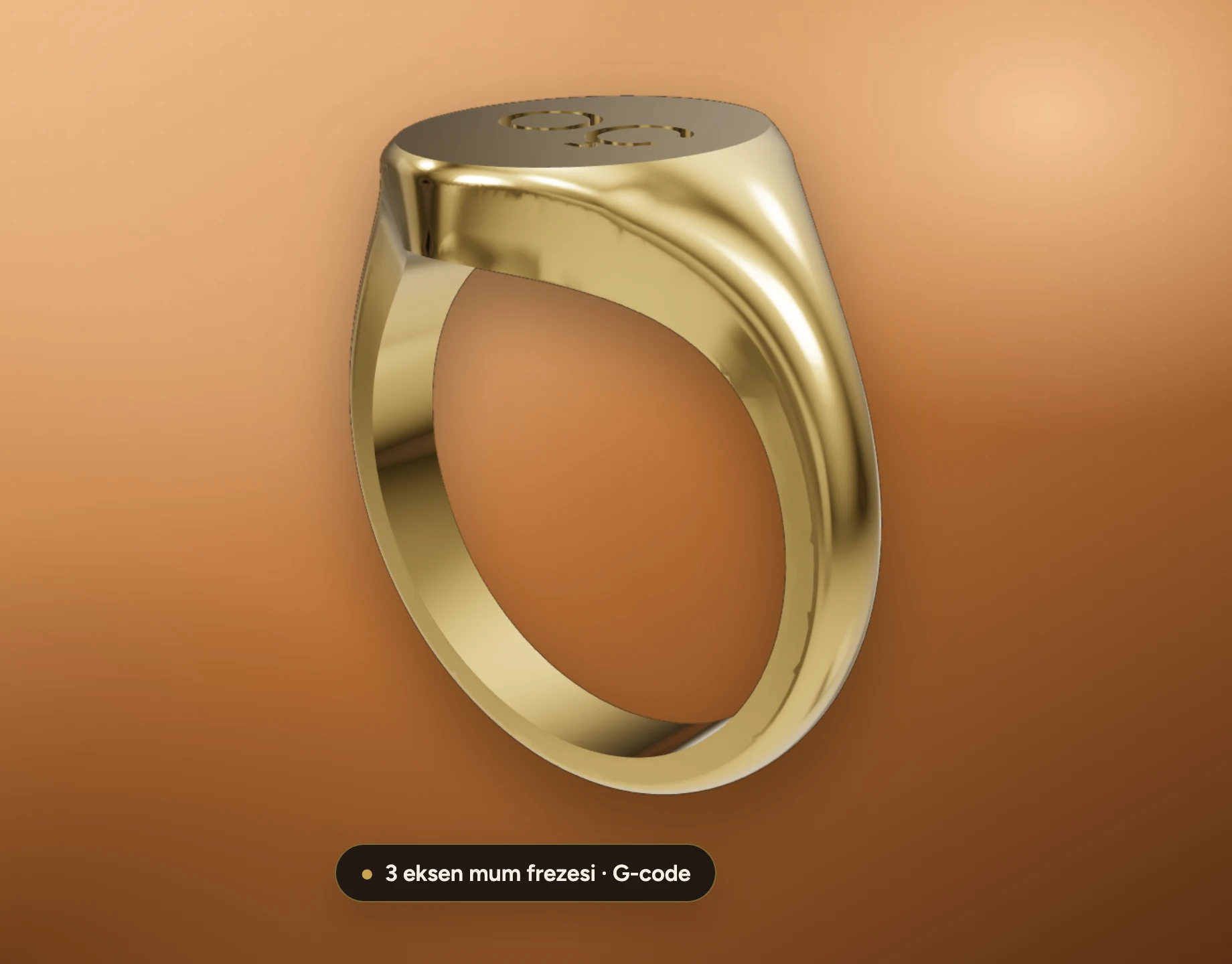
3-axis G-code

Photorealistic render
Catalog images with ray tracing

Karat stamp
585, 750, logo

Texture
Knurled, hammered, sandblasted

Filigree
Spiral, scroll and braid patterns

Stone catalog
Editable price table

Quotes
Price from gram weight and stones

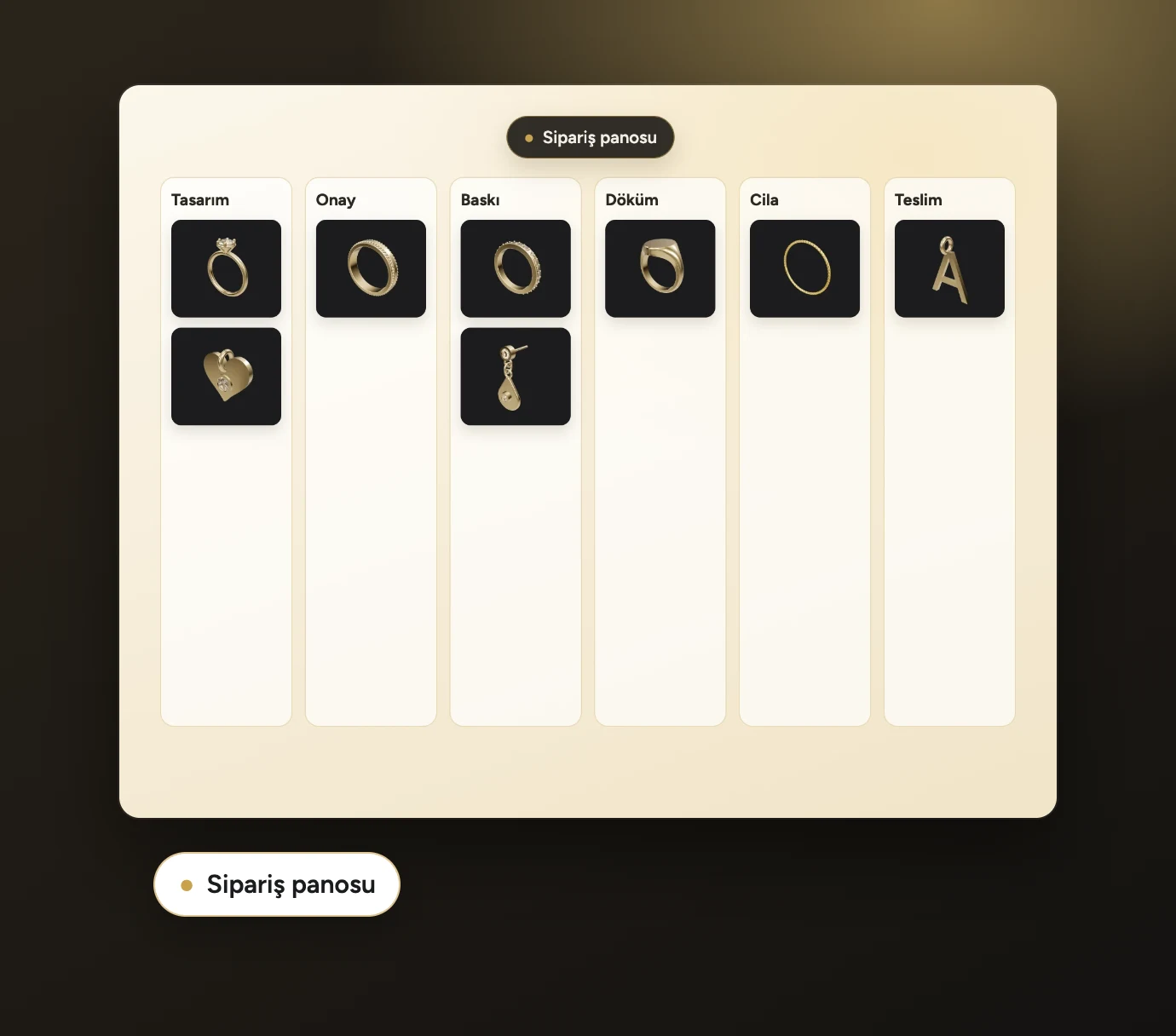
Order tracking
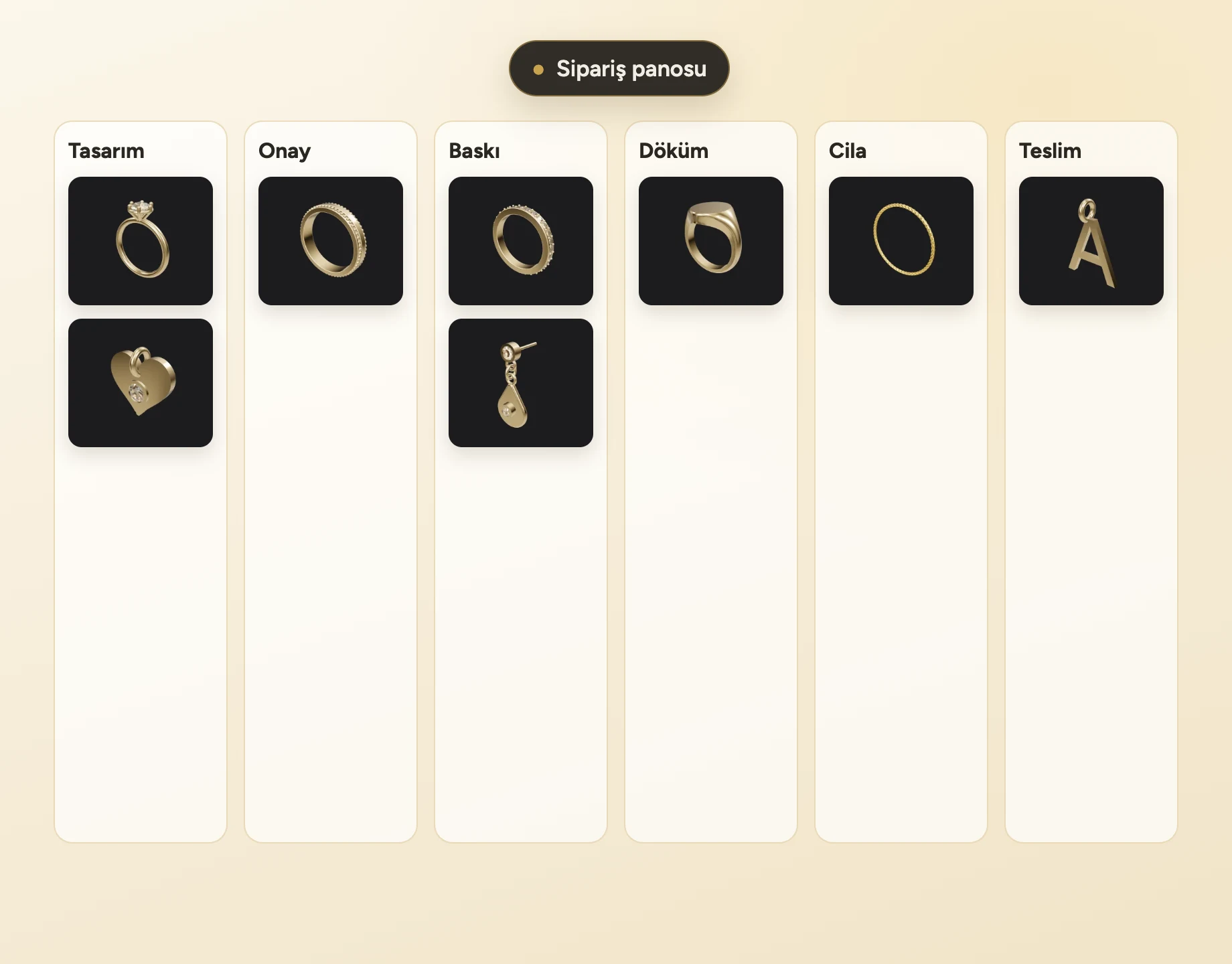
A board from design to delivery

Mesh repair
Fix holes and normals

AR preview
True size on a phone
One program for designers,
workshops and stores
the first time
Start from a template or from the AI and enter dimensions with Dynamic Commands. The casting check, thinnest wall and gram weight are with you at every step.
Try it freetemplate, AI or plain ring
±0.01 mm verification
STL, STEP, 3DM, 3MF
on one board
Each order is one card from design to delivery. Customer approval, printing, casting and polishing are linked together.
Try it freedesign → delivery
with the approval link
gram deviation
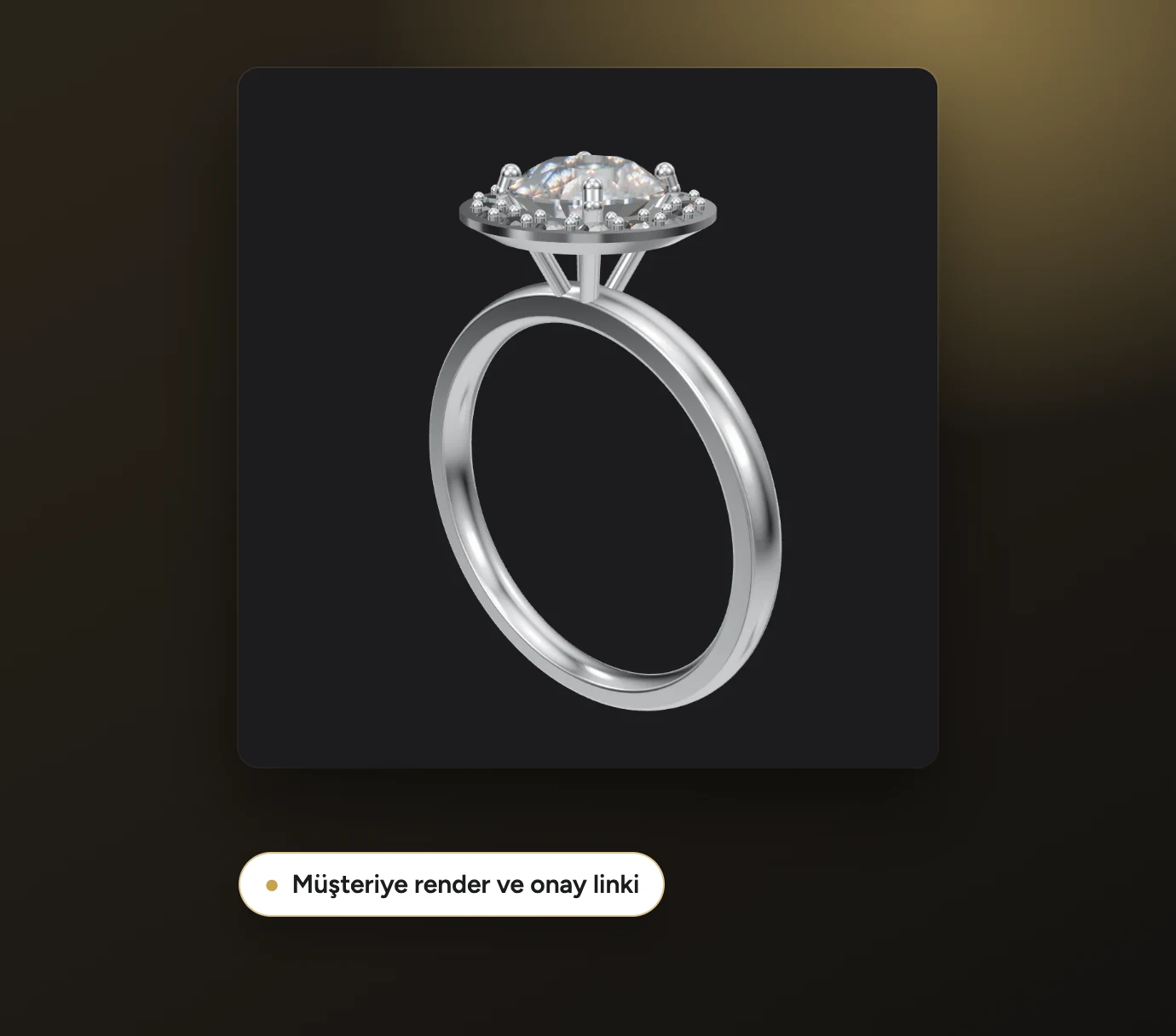
showing the customer
With photorealistic renders and a 3D approval link, your customer turns the piece on their phone; quotes come from your stone catalog.
Try it freerender and AR
one-click reply
from the stone table
file every time
Casting trees, 3D print supports, G-code for wax milling and mesh repair. Metal estimate from the wax weight.
Try it freecasting tree
supported STL
3-axis G-code
jewelry design
Move step by step from karat, fineness and gram weight to your first ring with lessons recorded in the app itself.
Try it freevideo lessons
14 days, every feature
ready-made templates
Everything a jewelry workshop needs,
in one place
Your customer turns the model in 3D on their phone, sees the gram, stone and size summary, and approves with one click or asks for changes.
STL, STEP, 3DM, 3MF and G-code. Prepared separately for casting, printing and milling; still, check the dimensions before sending anything to production.
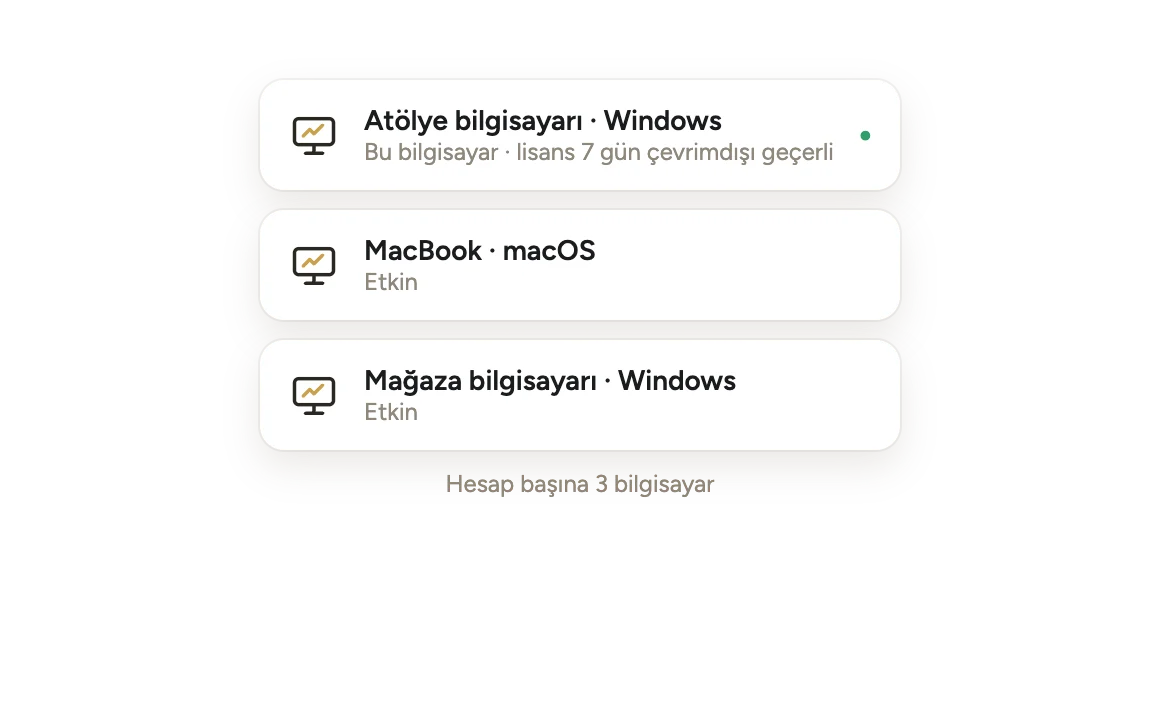
Windows and macOS. 3 computers per account; the license works offline for 7 days and your designs stay on your computer.
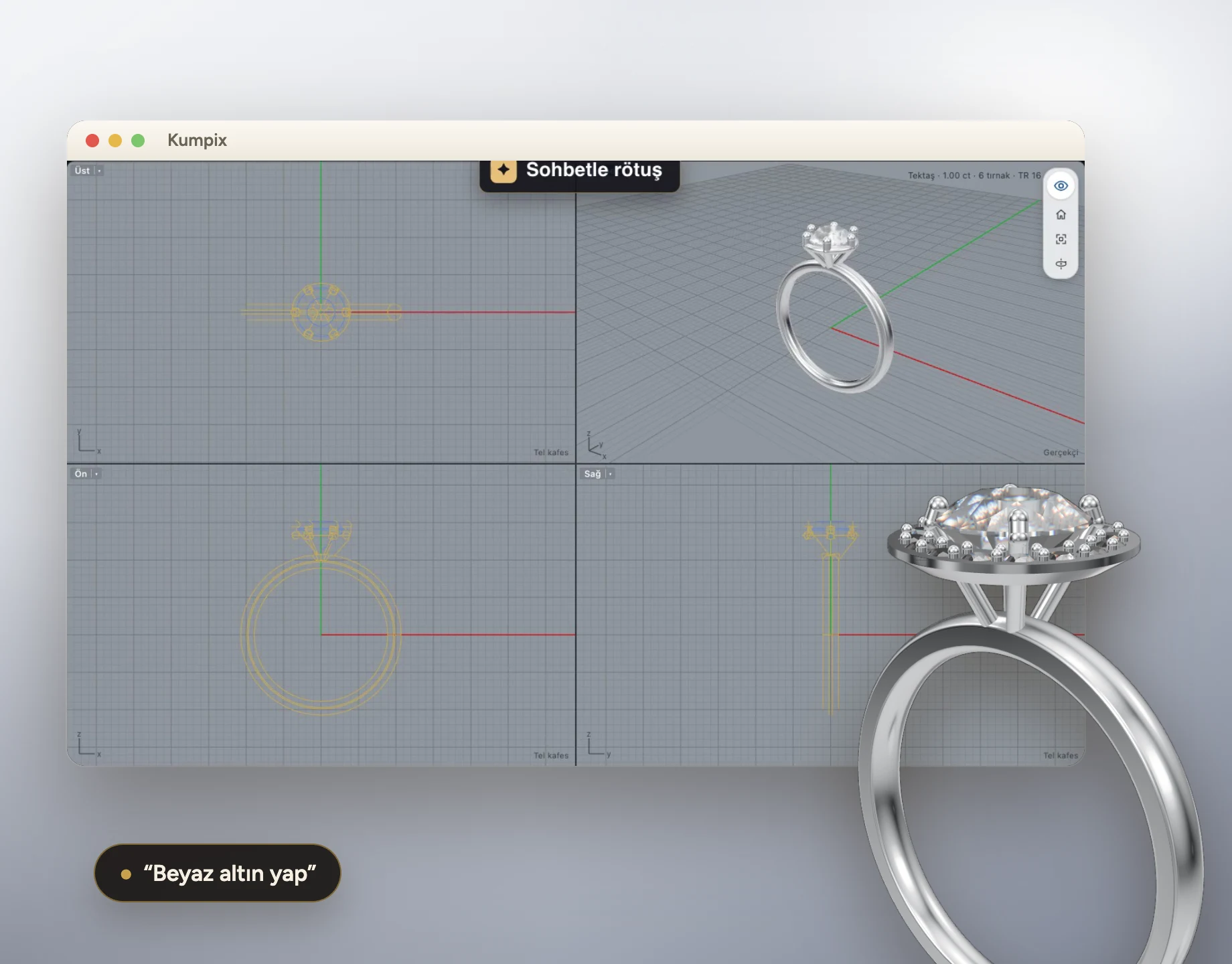
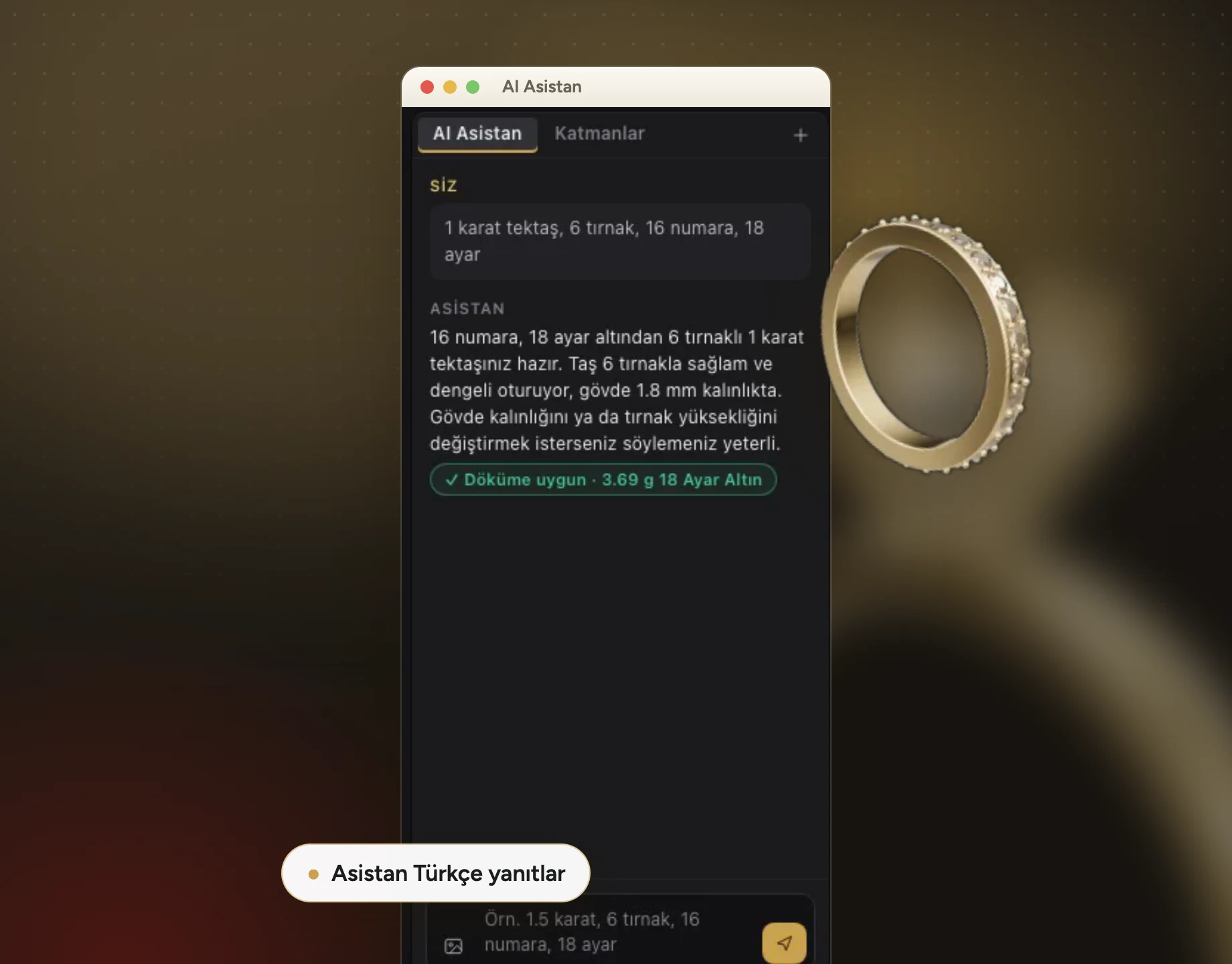
Describe the order, get the model. Dimensions produced by the AI are estimates; after every model check three things: dimensions, casting check, gram weight.